【经典项目】Java小游戏 —— 会说话的汤姆猫

一、游戏回顾
【预期效果】
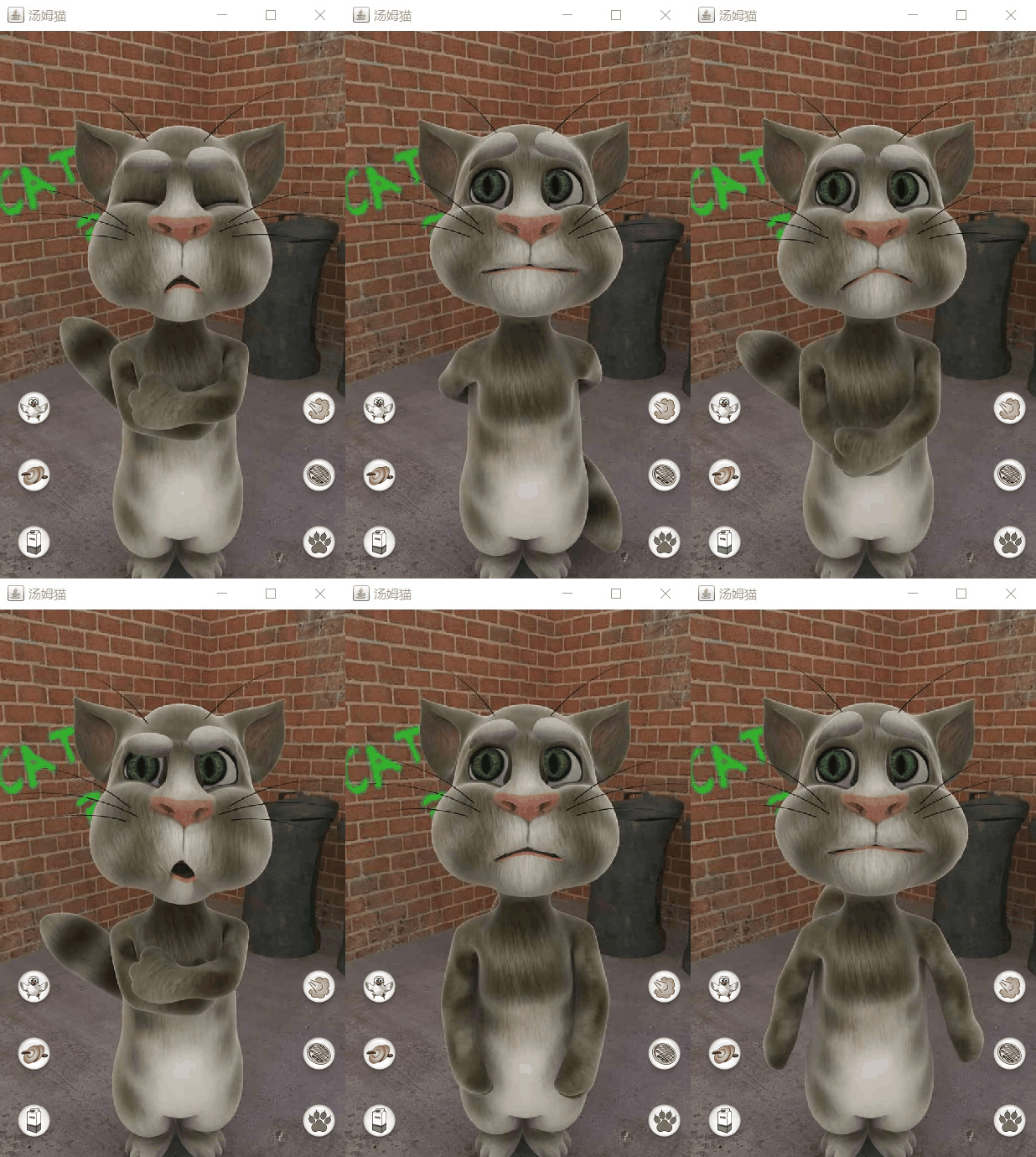
【玩法介绍】
1、 和它说话,它将用有趣的声音重复你的话。
2、打它的头,它会装成被打的样子,连续打还会晕倒;抚摸肚子,它会打呼噜;打肚子,它会装肚子疼;抓尾巴,它会生气;戳脚,它会抓着脚发出痛苦声。
3、忘掉他,他会打呵欠或打喷嚏。
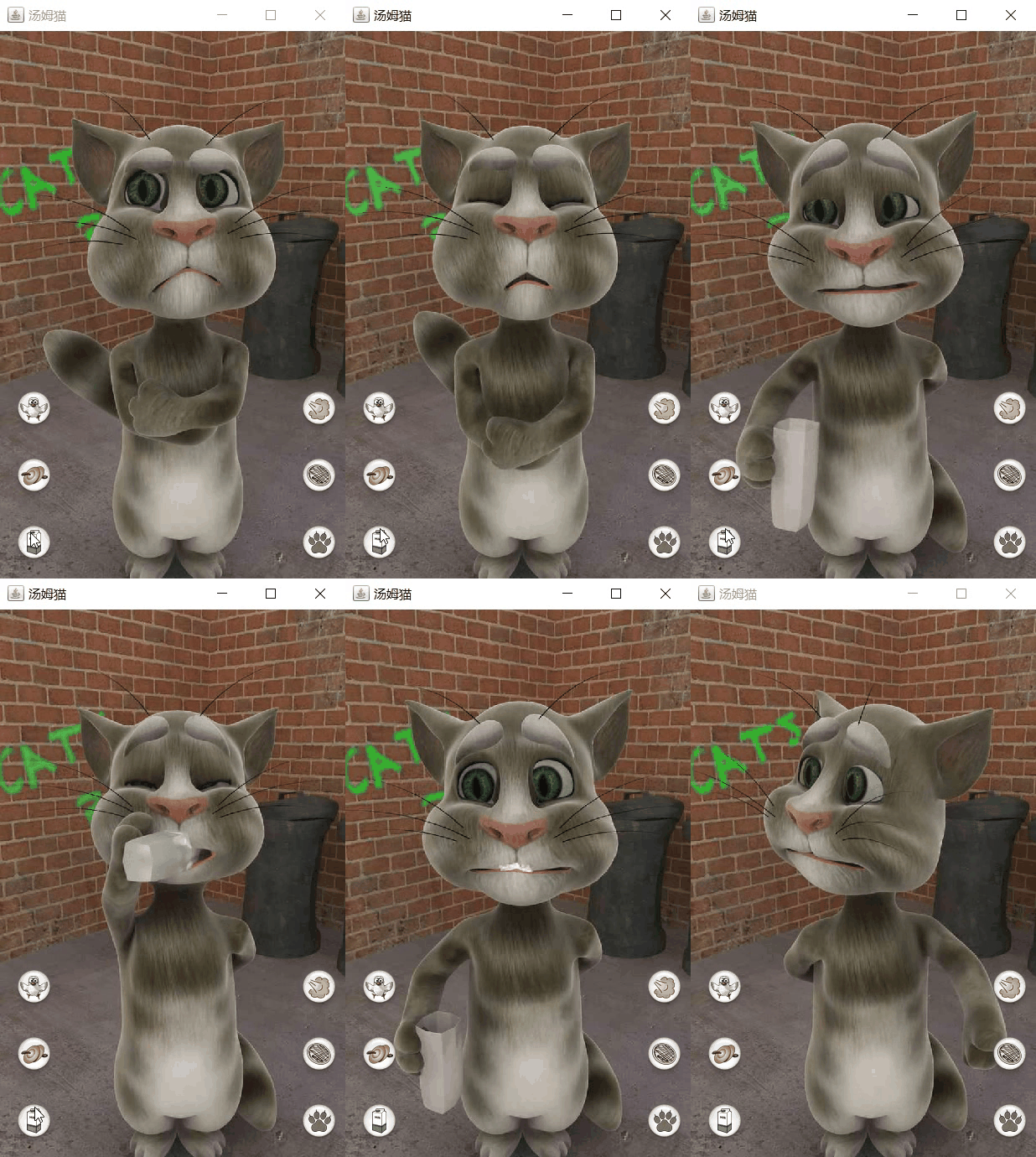
4、点牛奶按键,为它倒了一杯牛奶,它会喝牛奶;
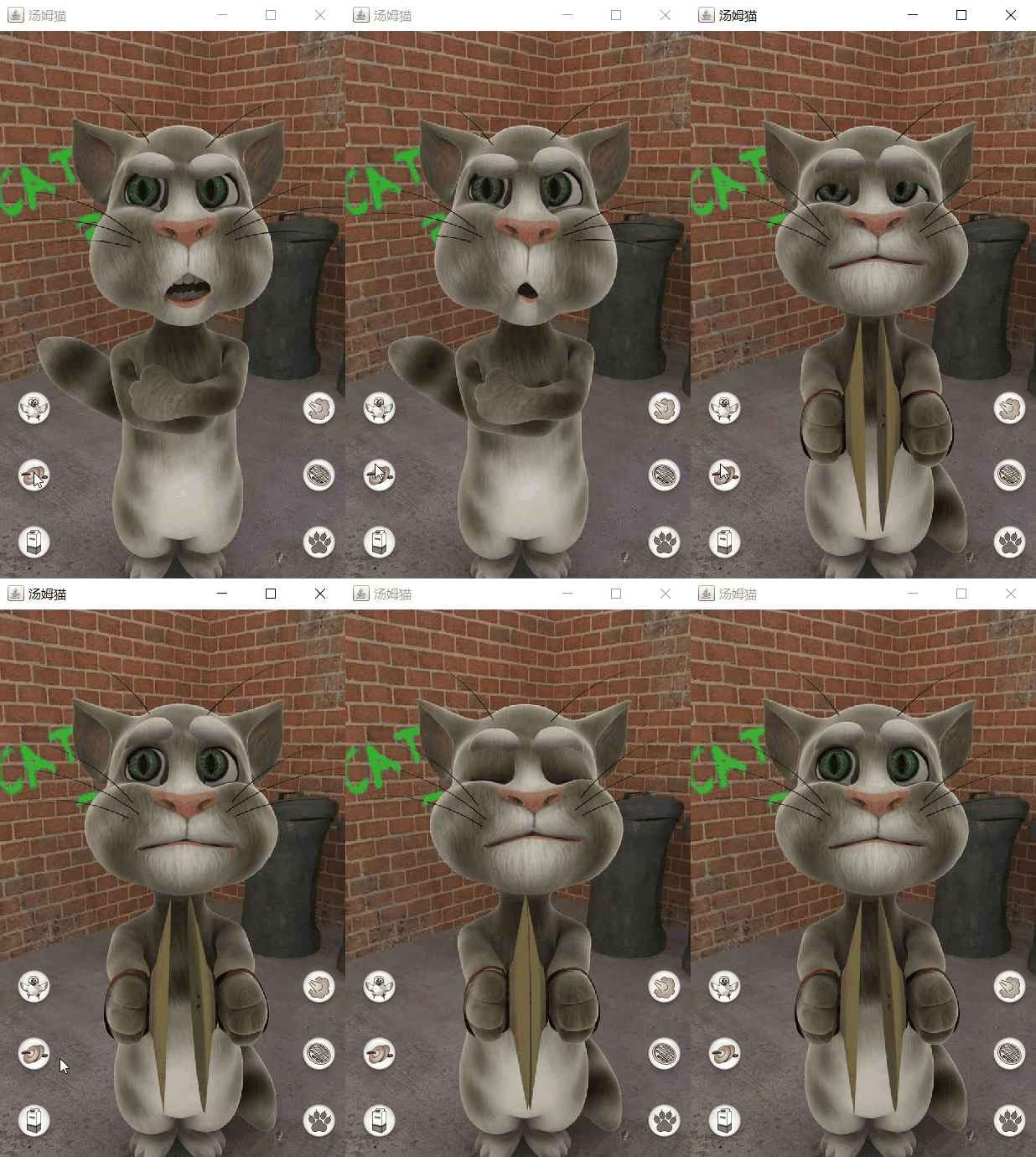
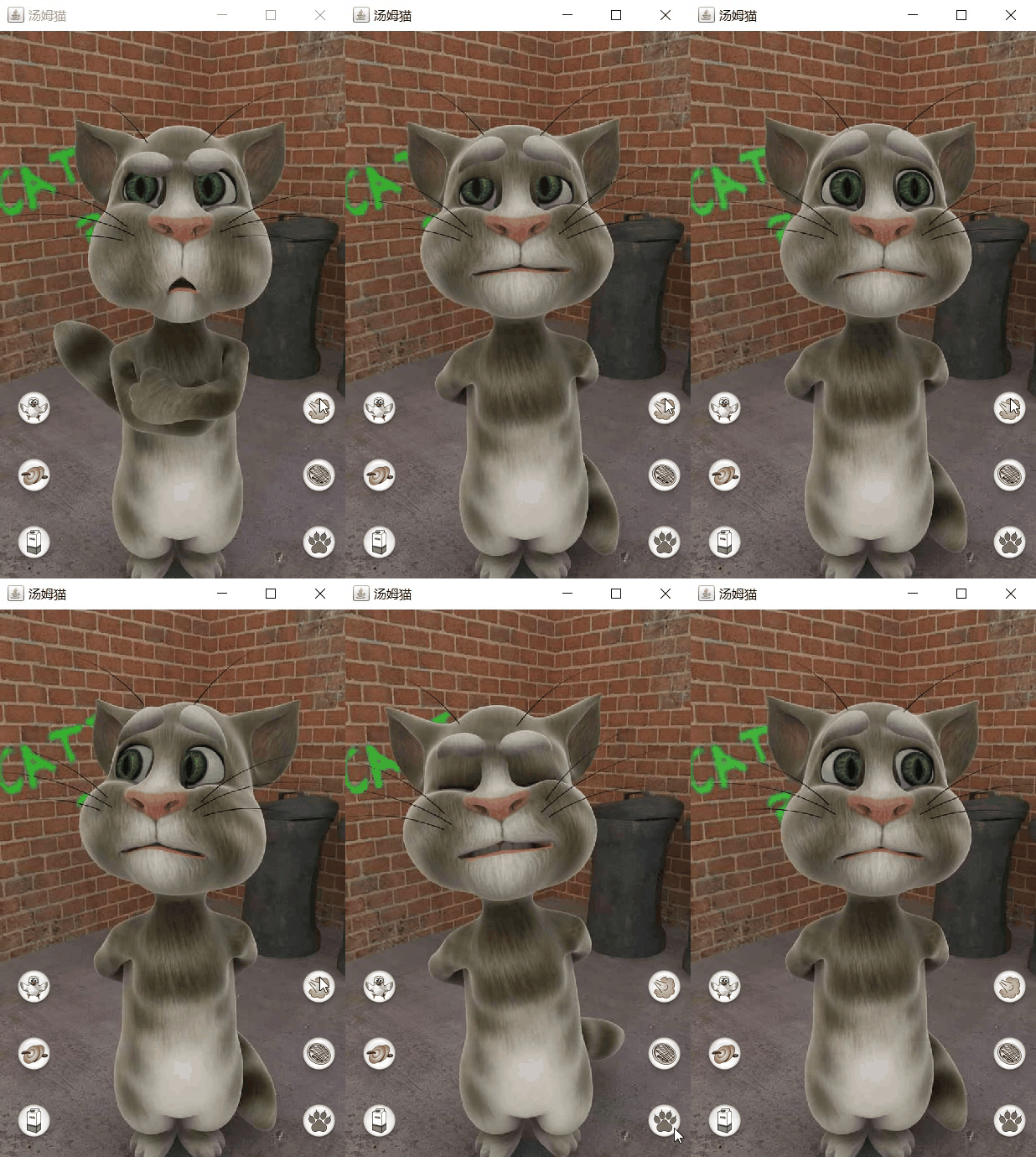
5、点交叉手按键,它会放屁;点锣形按键,它会拍锣;点刷新按键,会有另外玩法出现;点猫爪按键,它会在屏幕上划出痕迹;点小鸟按键,它会吓走一只小鸟;点蛋糕按键,它会把蛋糕扔到屏幕上。
6、汤姆记载影片,上传到网络或经过电子邮件发送它们。
二、实现分析
代码实现倒是不难,主要是预先准备了很多图片素材,然后50毫秒一张,就是幻灯片播放。
注意控制一下图片数组的边界,不要越界就OK了。
【部分代码】
/*** 汤姆猫-面板类* @author G**/
public class MyTomPanel extends JPanel implements Runnable,MouseListener {String[] imgPath_eat  = new String[40];String[] imgPath_cymbal  = new String[12];String[] imgPath_drink  = new String[80];String[] imgPath_fart  = new String[27];String[] imgPath_pie  = new String[23];String[] imgPath_scratch  = new String[55];String[] imgPath_angry  = new String[25];String[] imgPath_footLeft  = new String[29];String[] imgPath_footRight  = new String[29];String[] imgPath_knockout  = new String[80];String[] imgPath_stomach  = new String[33];BufferedImage btn_eat = null;BufferedImage btn_cymbal = null;BufferedImage btn_drink = null;BufferedImage btn_fart = null;BufferedImage btn_pie = null;BufferedImage btn_scratch = null;BufferedImage img = null;int imgIndex = 0;String action = "angry";public MyTomPanel() {for (int i = 0; i < imgPath_eat.length; i++) {imgPath_eat[i]="img/Animations/Eat/eat_"+(i<10?"0":"")+i+".jpg";}for (int i = 0; i < imgPath_angry.length; i++) {imgPath_angry[i]="img/Animations/Angry/angry_"+(i<10?"0":"")+i+".jpg";}for (int i = 0; i < imgPath_cymbal.length; i++) {imgPath_cymbal[i]="img/Animations/Cymbal/cymbal_"+(i<10?"0":"")+i+".jpg";}for (int i = 0; i < imgPath_drink.length; i++) {imgPath_drink[i]="img/Animations/Drink/drink_"+(i<10?"0":"")+i+".jpg";}for (int i = 0; i < imgPath_fart.length; i++) {imgPath_fart[i]="img/Animations/Fart/fart_"+(i<10?"0":"")+i+".jpg";}for (int i = 0; i < imgPath_footLeft.length; i++) {imgPath_footLeft[i]="img/Animations/FootLeft/footLeft_"+(i<10?"0":"")+i+".jpg";}for (int i = 0; i < imgPath_footRight.length; i++) {imgPath_footRight[i]="img/Animations/FootRight/footRight_"+(i<10?"0":"")+i+".jpg";}for (int i = 0; i < imgPath_knockout.length; i++) {imgPath_knockout[i]="img/Animations/Knockout/knockout_"+(i<10?"0":"")+i+".jpg";}for (int i = 0; i < imgPath_pie.length; i++) {imgPath_pie[i]="img/Animations/Pie/pie_"+(i<10?"0":"")+i+".jpg";}for (int i = 0; i < imgPath_scratch.length; i++) {imgPath_scratch[i]="img/Animations/Scratch/scratch_"+(i<10?"0":"")+i+".jpg";}for (int i = 0; i < imgPath_stomach.length; i++) {imgPath_stomach[i]="img/Animations/Stomach/stomach_"+(i<10?"0":"")+i+".jpg";}}@Overridepublic void paint(Graphics g) {super.paint(g);// 画图片 img,x,y,w,h,nullg.drawImage(img, 0, -10, 430, 700, null);g.drawImage(btn_eat, 10, 420, null);g.drawImage(btn_cymbal, 10, 500, null);g.drawImage(btn_drink, 10, 580, null);g.drawImage(btn_fart, 350, 420, null);g.drawImage(btn_pie, 350, 500, null);g.drawImage(btn_scratch, 350, 580, null);}@Overridepublic void run() {while (true) {imgIndex++;try {btn_eat = ImageIO.read(MyTomPanel.class.getResource("img/Buttons/eat.png"));btn_cymbal = ImageIO.read(MyTomPanel.class.getResource("img/Buttons/cymbal.png"));btn_drink = ImageIO.read(MyTomPanel.class.getResource("img/Buttons/drink.png"));btn_fart = ImageIO.read(MyTomPanel.class.getResource("img/Buttons/fart.png"));btn_pie = ImageIO.read(MyTomPanel.class.getResource("img/Buttons/pie.png"));btn_scratch = ImageIO.read(MyTomPanel.class.getResource("img/Buttons/scratch.png"));switch (action) {case "angry":if (imgIndex==imgPath_angry.length) imgIndex=0;img = ImageIO.read(MyTomPanel.class.getResource(imgPath_angry[imgIndex]));					break;case "eat":if (imgIndex==imgPath_eat.length) imgIndex=0;img = ImageIO.read(MyTomPanel.class.getResource(imgPath_eat[imgIndex]));break;case "cymbal":if (imgIndex==imgPath_cymbal.length) imgIndex=0;img = ImageIO.read(MyTomPanel.class.getResource(imgPath_cymbal[imgIndex]));break;case "fart":if (imgIndex==imgPath_fart.length) imgIndex=0;img = ImageIO.read(MyTomPanel.class.getResource(imgPath_fart[imgIndex]));break;case "drink":if (imgIndex==imgPath_drink.length) imgIndex=0;img = ImageIO.read(MyTomPanel.class.getResource(imgPath_drink[imgIndex]));break;case "footRight":if (imgIndex==imgPath_footRight.length) imgIndex=0;img = ImageIO.read(MyTomPanel.class.getResource(imgPath_footRight[imgIndex]));break;case "footLeft":if (imgIndex==imgPath_footLeft.length) imgIndex=0;img = ImageIO.read(MyTomPanel.class.getResource(imgPath_footLeft[imgIndex]));break;case "knockout":if (imgIndex==imgPath_knockout.length) imgIndex=0;img = ImageIO.read(MyTomPanel.class.getResource(imgPath_knockout[imgIndex]));break;case "pie":if (imgIndex==imgPath_pie.length) imgIndex=0;img = ImageIO.read(MyTomPanel.class.getResource(imgPath_pie[imgIndex]));break;case "scratch":if (imgIndex==imgPath_scratch.length) imgIndex=0;img = ImageIO.read(MyTomPanel.class.getResource(imgPath_scratch[imgIndex]));break;case "stomach":if (imgIndex==imgPath_stomach.length) imgIndex=0;img = ImageIO.read(MyTomPanel.class.getResource(imgPath_stomach[imgIndex]));break;}Thread.sleep(50);} catch (Exception e) {e.printStackTrace();imgIndex=0;}repaint();}}@Overridepublic void mousePressed(MouseEvent e) {int x = e.getX();int y = e.getY();if ( x>10 && x<10+btn_eat.getWidth() && y<420+btn_eat.getHeight() && y>420) {System.out.println("click eat");action = "eat";}if ( x>10 && x<10+btn_cymbal.getWidth() && y<500+btn_cymbal.getHeight() && y>500) {System.out.println("click cymbal");action = "cymbal";}if ( x>10 && x<10+btn_drink.getWidth() && y<580+btn_drink.getHeight() && y>580) {System.out.println("click drink");action = "drink";}if ( x>350 && x<350+btn_fart.getWidth() && y<420+btn_fart.getHeight() && y>420) {System.out.println("click fart");action = "fart";}if ( x>350 && x<350+btn_pie.getWidth() && y<500+btn_pie.getHeight() && y>500) {System.out.println("click pie");action = "pie";}if ( x>350 && x<350+btn_scratch.getWidth() && y<580+btn_scratch.getHeight() && y>580) {System.out.println("click scratch");action = "scratch";}if ( x>0 && x<430 && y<400 && y>0) {int tmp = (int) (Math.random() * 5);switch (tmp) {case 0:action = "angry";break;case 1:action = "footLeft";break;case 2:action = "footRight";break;case 3:action = "knockout";break;case 4:action = "stomach";break;}System.out.println("click "+action);}}@Overridepublic void mouseClicked(MouseEvent e) {}@Overridepublic void mouseReleased(MouseEvent e) {}@Overridepublic void mouseEntered(MouseEvent e) {}@Overridepublic void mouseExited(MouseEvent e) {}
}
三、效果展示
1、抓鸟

2、打铜锣
3、喝牛奶
4、放pi
5、扔饼
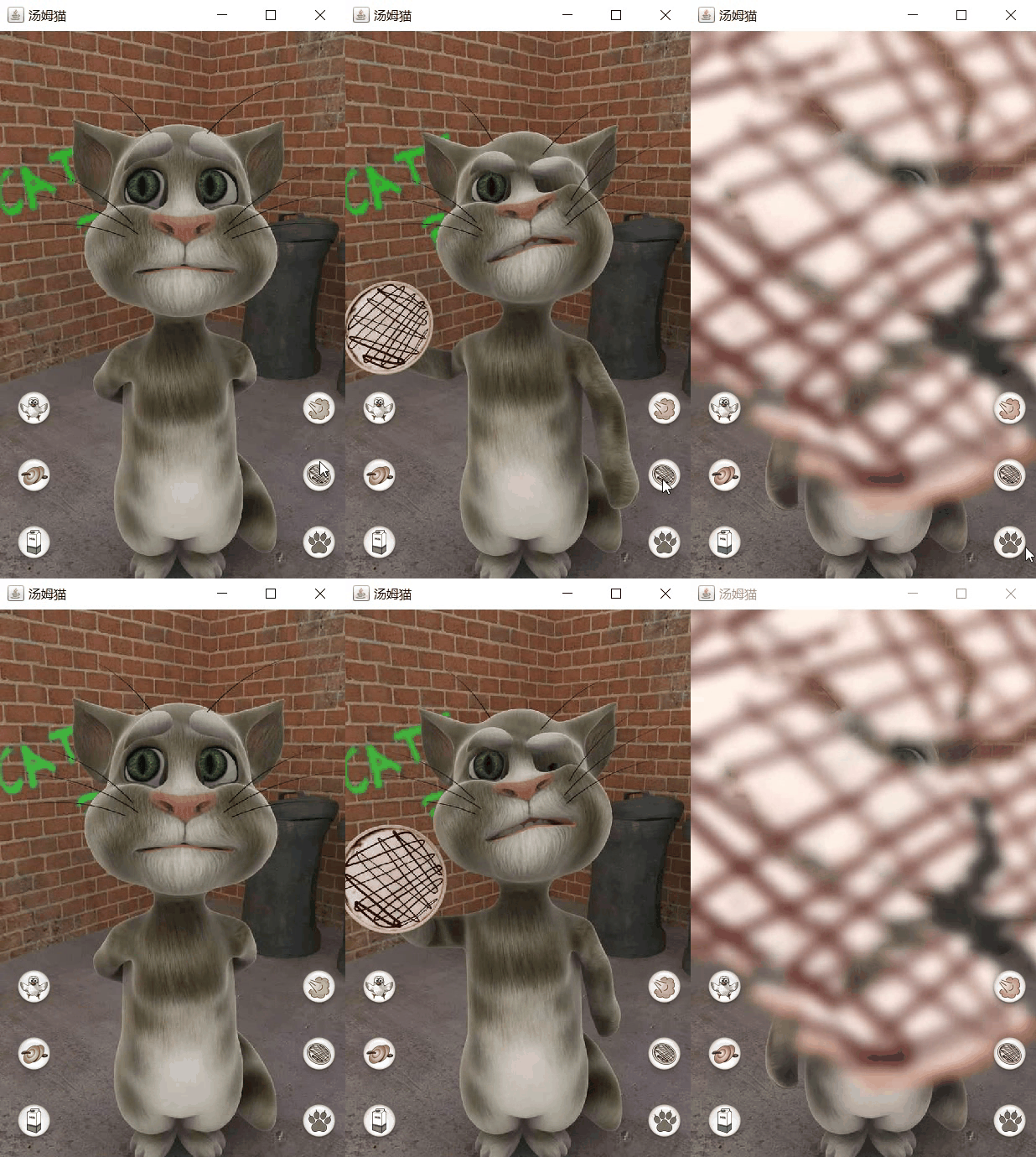
6、猫抓

四、完整代码获取
经典项目Java小游戏-会说话的汤姆猫资源-CSDN文库