web蓝桥杯真题--13、水果摆盘

背景介绍
目前 CSS3 中新增的 Flex 弹性布局已经成为前端页面布局的首选方式,这次试题将利用 Flex 实现经典布局效果。
准备步骤
在开始答题前,你需要在线上环境终端中键入以下命令,下载并解压所提供的文件。
wget https://labfile.oss.aliyuncs.com/courses/7835/fruit-flex.zip&& unzip fruit-flex.zip && rm fruit-flex.zip
下载完成之后的目录结构如下:
├── index.css
└── index.html
└── img
其中:
index.css是本次挑战的需要补充样式文件。index.html为主页面。img图片文件夹。
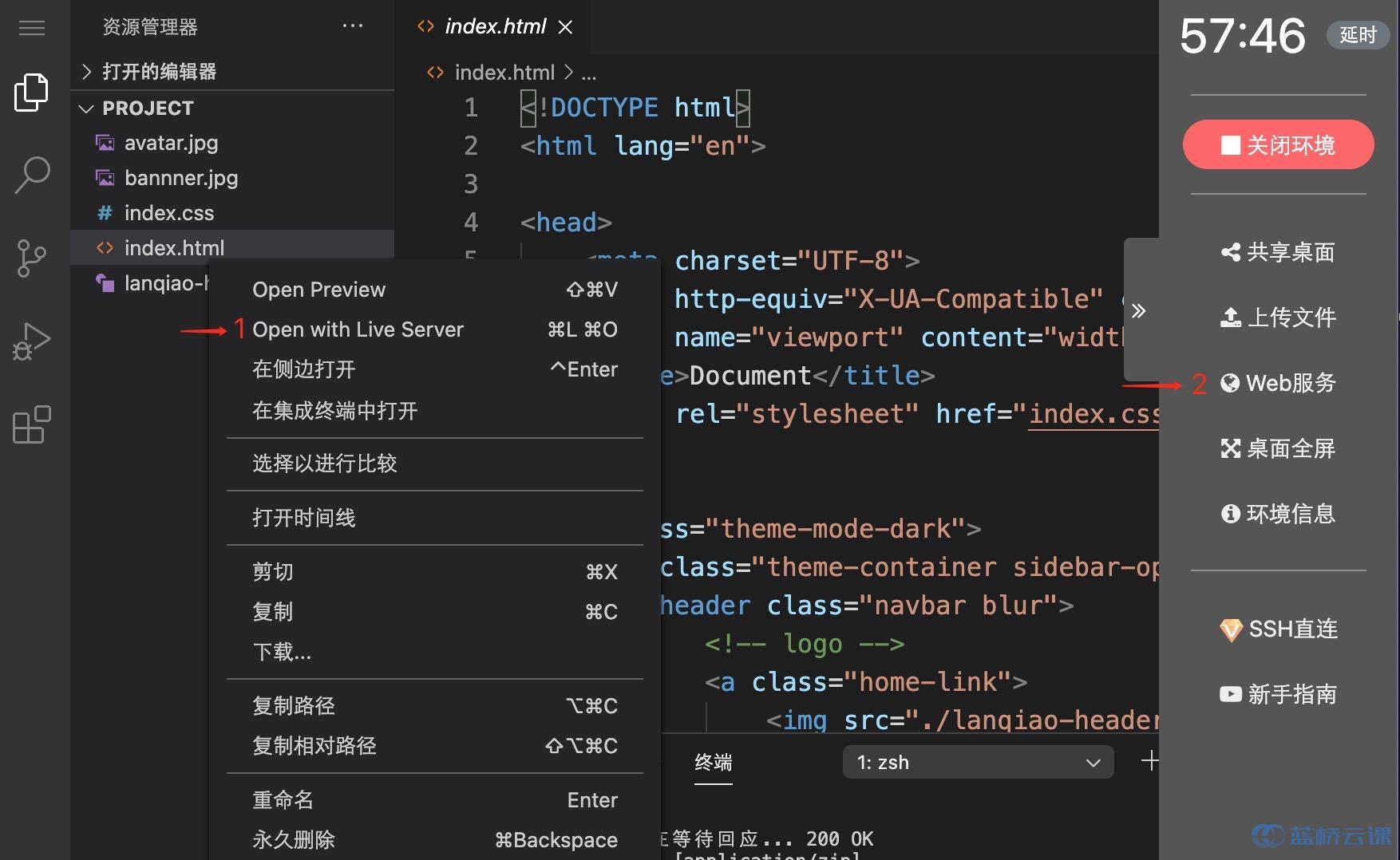
- 选中 index.html 右键启动 Web Server 服务(Open with Live Server),让项目运行起来。
- 打开环境右侧的【Web 服务】。
考试要求
提示
align-self 值 :flex-start flex-end center baseline stretchorder:<整数>(... -1, 0 (default), 1, ..)
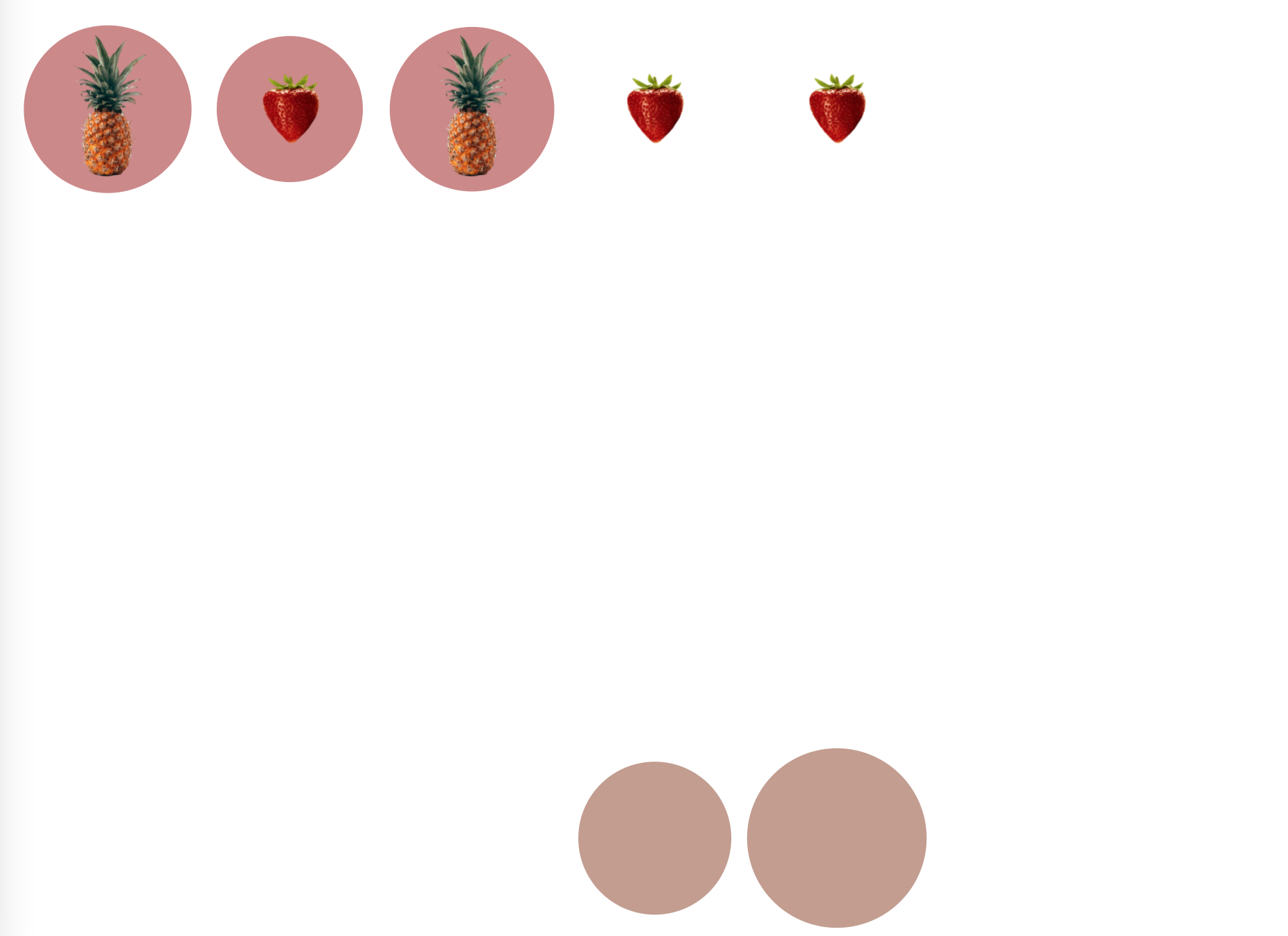
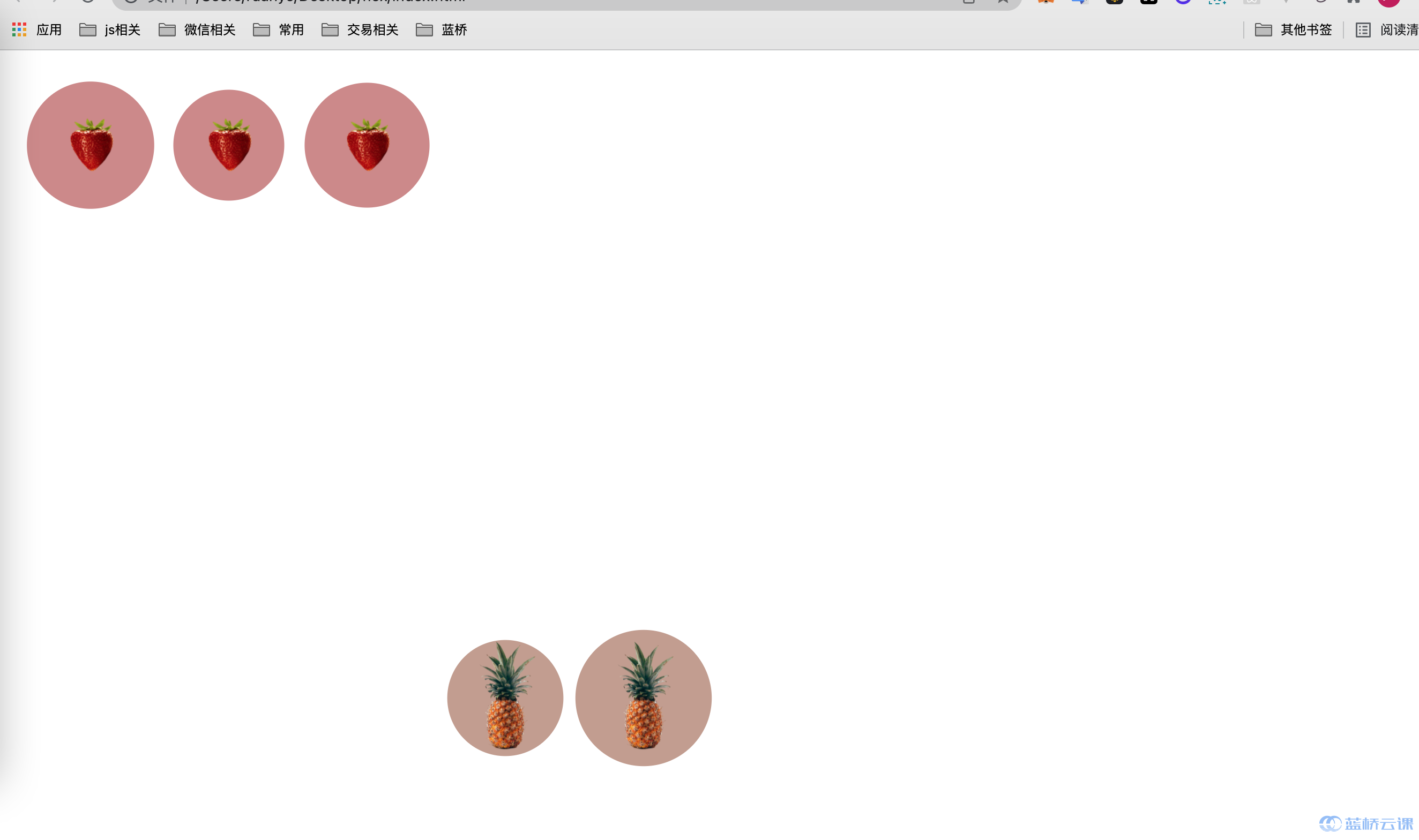
在需要修改部分的代码有相关提示,请仔细阅读之后,使用 flex 布局中的 align-self 和 order 完善 index.css 中的代码, 把对应的水果放在对应的盘子里面,最终效果如下:
要求规定
- 请严格按照考试步骤操作,切勿修改考试默认提供项目中的文件名称、文件夹路径等。
- 满足题目需求后,保持 Web 服务处于可以正常访问状态,点击「提交检测」系统会自动判分。
解题思路
题目中给了提示
align-self 值 : flex-start flex-end center baseline stretch
order:<整数>(... -1, 0 (default), 1, ..)这道题目也就简单了,挨个试都能试出来,偏偏我粗心把
align-self写成了align-items,一直出不来结果,然后看了题解
最终代码:
/* 菠萝 TODO 待补充代码 */
.yellow {align-self: flex-end;order: 1;}/* 以下代码不需要修改 */
#board {position: sticky;top: 0;width: 50vw;height: 50vw;min-width: 300px;min-height: 300px;max-width: 100vh;max-height: 100vh;overflow: hidden;
}#pond {z-index: 20;
}#pond, #background {display: flex;position: absolute;top: 0;left: 0;width: 100%;height: 100%;padding: 1em;
}.lilypad, .frog {position: relative;width: 20%;height: 20%;overflow: hidden;}.frog.green .bg {background-image: url(./img/1.png);
}.frog.yellow .bg {background-image: url(./img/2.png);
}.frog .bg {background-size: 60% 60%;
}.lilypad .bg, .frog .bg {width: 100%;height: 100%;background-position: center center;background-size: contain;background-repeat: no-repeat;
}.animated.infinite {-webkit-animation-iteration-count: infinite;animation-iteration-count: infinite;
}.pulse {-webkit-animation-name: pulse;animation-name: pulse;
}.animated {-webkit-animation-duration: 1s;animation-duration: 1s;-webkit-animation-fill-mode: both;animation-fill-mode: both;
}.lilypad.green .bg {border-radius: 50%;background: #9B100A;opacity: 0.5;
}.lilypad .bg, .frog .bg {width: 100%;height: 100%;background-position: center center;background-size: contain;background-repeat: no-repeat;
}* {box-sizing: border-box;
}.lilypad.yellow .bg {border-radius: 50%;background: #863A1B;opacity: 0.5;}