VM CentOS7安装ffmpeg

项目中涉及给视频添加水印,使用到了ffmpeg,windows系统可直接使用,Linux需要手动编译完成ffmpeg后才可正常使用。
配置yum源:
备份原repo文件
cd /etc/yum.repos.d/mv /etc/yum.repos.d/CentOS-Base.repo /etc/yum.repos.d/CentOS-Base.repo.bak下载阿里yum配置文件
wget -O /etc/yum.repos.d/CentOS-Base.repo https://mirrors.aliyun.com/repo/Centos-7.repo重建缓存
yum clean allyum makecache如果重建缓存中提示:
file:///mnt/cdrom/repodata/repomd.xml: [Errno 14] curl#37 - "Couldn't open file /mnt/cdrom/repodata/repomd.xml"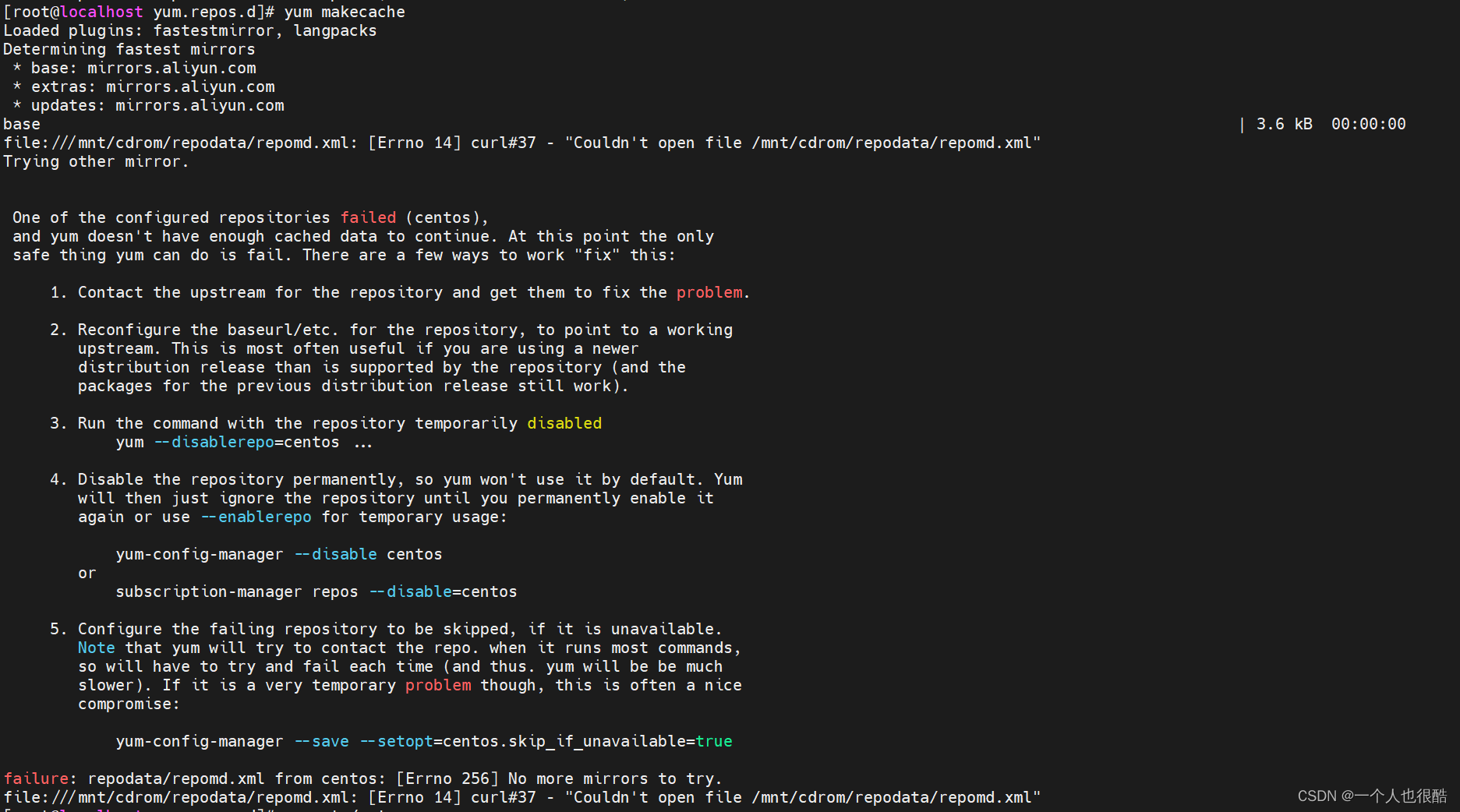 则将系统镜像挂载至对应路径,如/mnt下或/mnt/cdrom下,再重新重建缓存
#卸载挂载
#umount /mnt#将系统镜像挂载至/mnt/cdrom
mount /dev/sr0 /mnt/cdrom
安装依赖
yum -y install epel-releaseyum -y install git gcc gcc-c++ cmake3安装yasm:
wget http://www.tortall.net/projects/yasm/releases/yasm-1.3.0.tar.gztar zxvf yasm-1.3.0.tar.gzcd yasm-1.3.0./configuremakemake install安装ffmpeg(时间较久):
wget http://www.ffmpeg.org/releases/ffmpeg-4.2.tar.gztar -zxvf ffmpeg-4.2.tar.gzcd ffmpeg-4.2/./configure --prefix=/usr/local/ffmpeg-4.2make && make install配置环境变量:
vi /etc/profile在文件最后添加:
export PATH=$PATH:/usr/local/ffmpeg-4.2/bin保存后执行:
source /etc/profile检查依赖库路径:
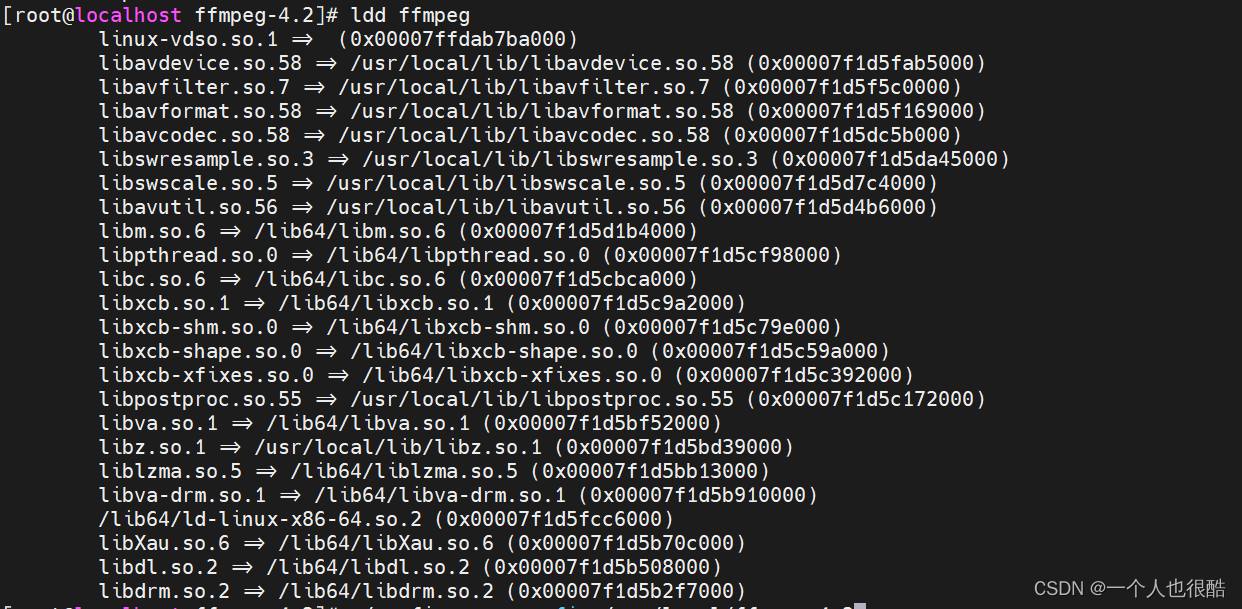
ldd ffmpeg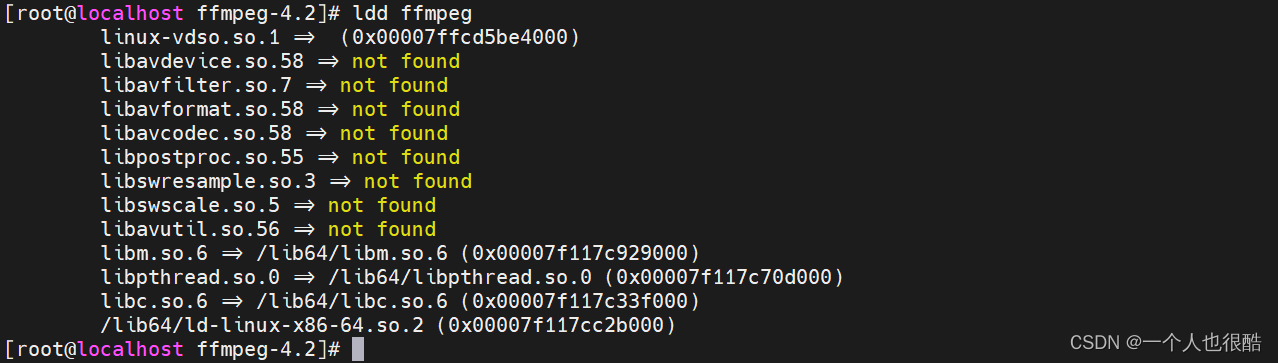
vim /etc/ld.so.conf文件最后添加:
/usr/local/ffmpeg-4.2/lib保存后,执行
ldconfig再次检查就正常了。