npm install安装报错

npm WARN notsup Not compatible with your version of node/npm: v-click-outside-x@3.7.1
npm ERR! Error while executing:
npm ERR! /usr/bin/git ls-remote -h -t ssh://git@github.com/itargaryen/simple-hotkeys.git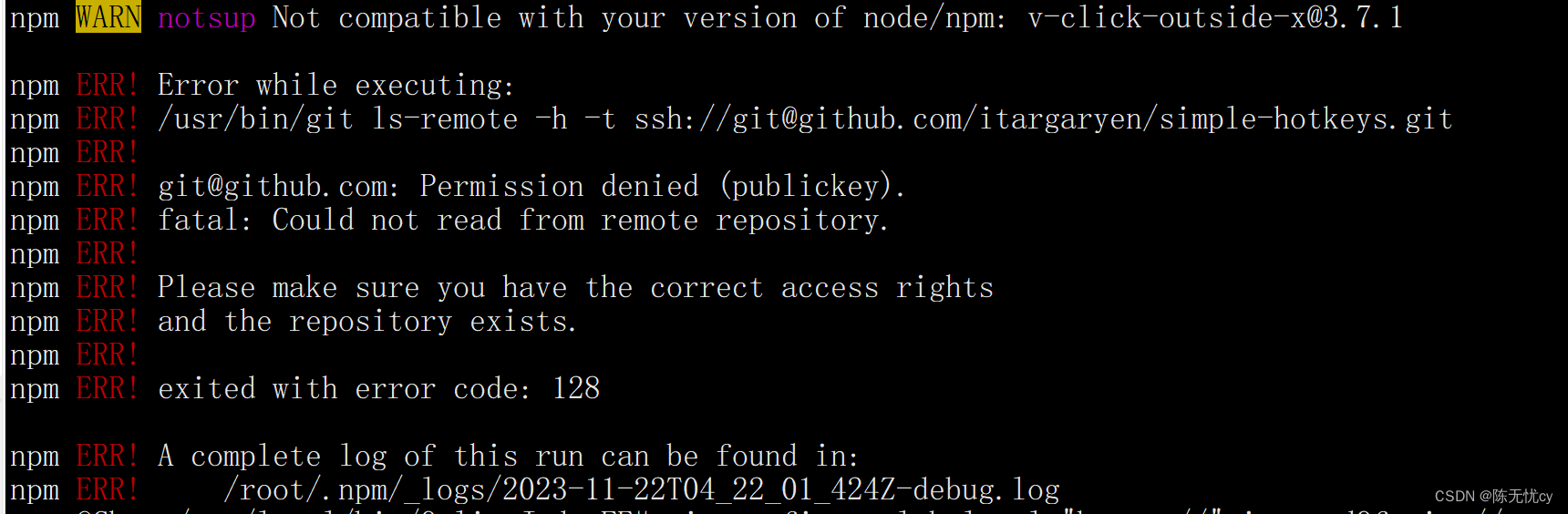
解决办法1:(没有解决我的问题)
执行如下命令:
git config --global http.sslverify "false"
再执行 npm install 就可以了
如果上述命令执行完后,还是报那个错误,请继续执行如下命令,再执行npm install亲测有效
git config --global url."https://".insteadOf git://如果上述代码还是不行,就重新安装一下node和npm,看版本是否匹配