WPF窗口样式的比较

WPF窗口样式的比较
1.WPF默认Window窗口 带有图标 标题栏 最小最大化推出按钮
<Window x:Class="GlowWindowDemo.MainWindow"xmlns="http://schemas.microsoft.com/winfx/2006/xaml/presentation"xmlns:x="http://schemas.microsoft.com/winfx/2006/xaml"xmlns:d="http://schemas.microsoft.com/expression/blend/2008"xmlns:mc="http://schemas.openxmlformats.org/markup-compatibility/2006"xmlns:local="clr-namespace:GlowWindowDemo"mc:Ignorable="d"Title="MainWindow" Height="450" Width="800"><Grid></Grid>
</Window>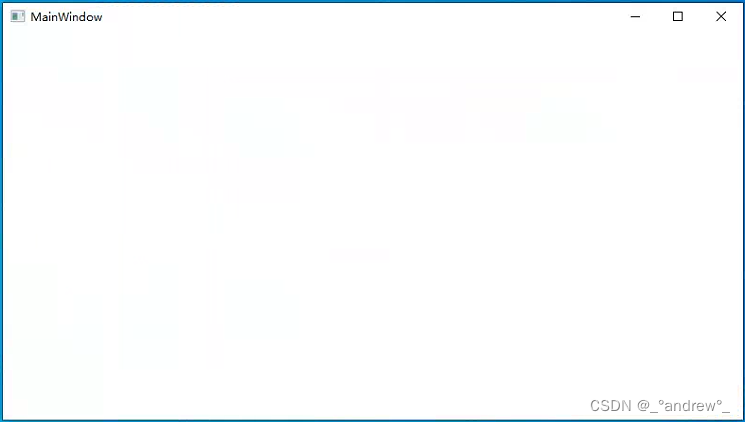
2.HandyControl拓展的Window窗口 隐藏了默认图标
<hc:Windowx:Class="GlowWindowDemo.Window3"xmlns="http://schemas.microsoft.com/winfx/2006/xaml/presentation"xmlns:x="http://schemas.microsoft.com/winfx/2006/xaml"xmlns:d="http://schemas.microsoft.com/expression/blend/2008"xmlns:hc="https://handyorg.github.io/handycontrol"xmlns:local="clr-namespace:GlowWindowDemo"xmlns:mc="http://schemas.openxmlformats.org/markup-compatibility/2006"Title="Window3"Width="800"Height="450"WindowStartupLocation="CenterScreen"mc:Ignorable="d"><Grid />
</hc:Window>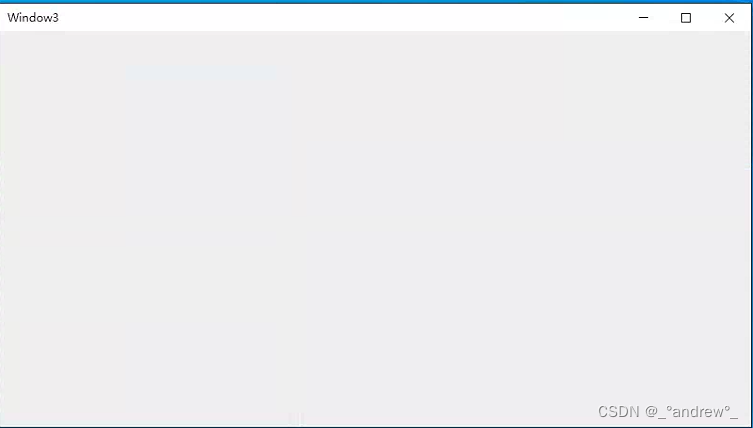
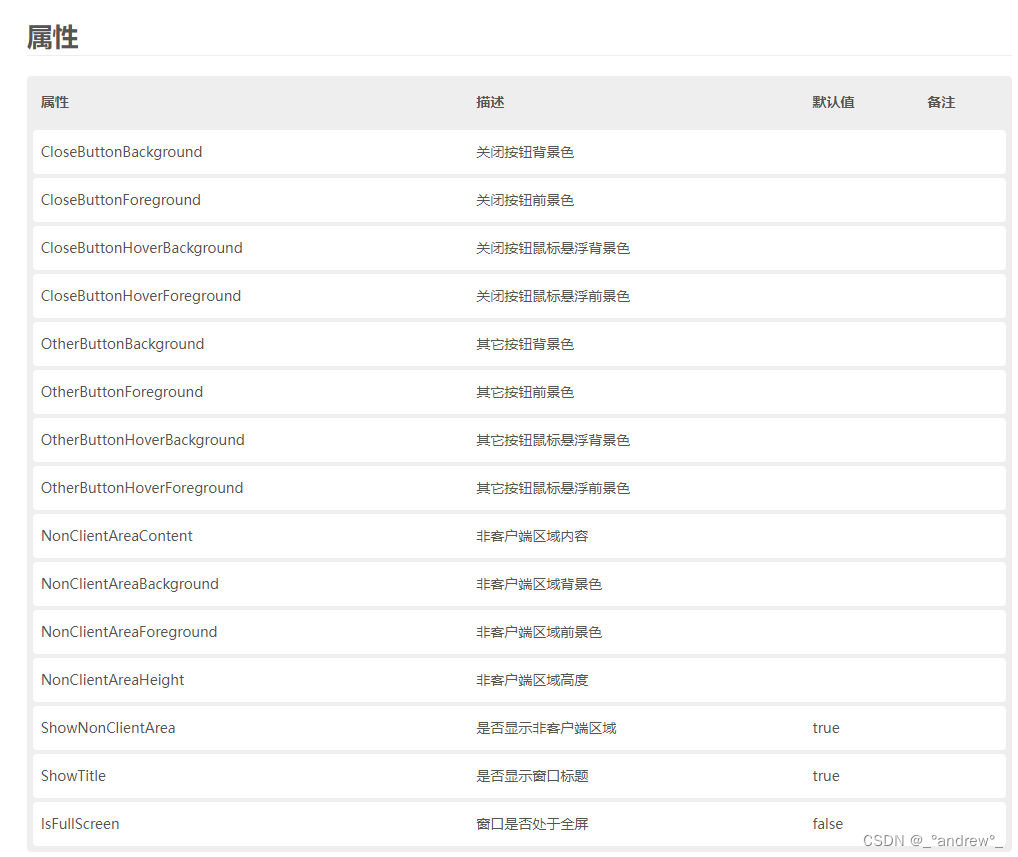
新增属性:
3.HandyControl拓展的GlowWindow窗口 窗口边框可设置显示颜色 辉光效果
<hc:GlowWindowx:Class="GlowWindowDemo.Window2"xmlns="http://schemas.microsoft.com/winfx/2006/xaml/presentation"xmlns:x="http://schemas.microsoft.com/winfx/2006/xaml"xmlns:d="http://schemas.microsoft.com/expression/blend/2008"xmlns:hc="https://handyorg.github.io/handycontrol"xmlns:mc="http://schemas.openxmlformats.org/markup-compatibility/2006"Title="Window2"Width="800"Height="450"ActiveGlowColor="{DynamicResource PrimaryColor}"Background="{DynamicResource MainContentBackgroundBrush}"InactiveGlowColor="{DynamicResource DangerColor}"Style="{StaticResource WindowGlow}"WindowStartupLocation="CenterScreen"mc:Ignorable="d"><Border Margin="10" Background="{DynamicResource LightInfoBrush}" />
</hc:GlowWindow>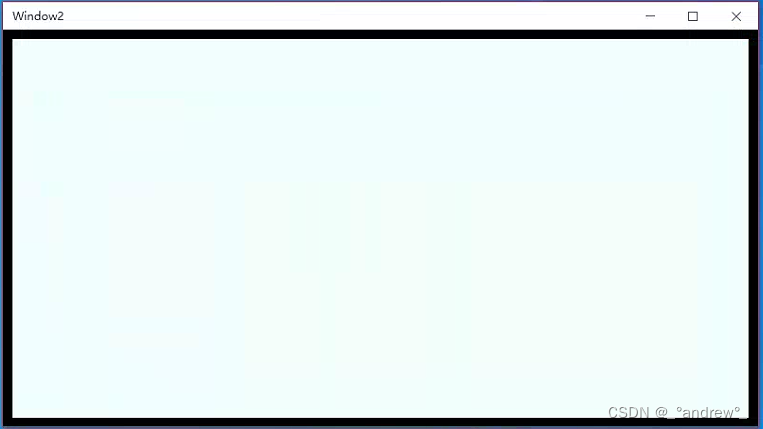
4.GlowWindow非客户端区域的设置 可自定义标题栏内容 设置显示的Log 文字等
<hc:GlowWindowx:Class="GlowWindowDemo.Window4"xmlns="http://schemas.microsoft.com/winfx/2006/xaml/presentation"xmlns:x="http://schemas.microsoft.com/winfx/2006/xaml"xmlns:d="http://schemas.microsoft.com/expression/blend/2008"xmlns:hc="https://handyorg.github.io/handycontrol"xmlns:local="clr-namespace:GlowWindowDemo"xmlns:mc="http://schemas.openxmlformats.org/markup-compatibility/2006"Title="Window4"Width="800"Height="450"Background="{DynamicResource RegionBrush}"ShowTitle="False"WindowStartupLocation="CenterScreen"mc:Ignorable="d"><!--  标题栏内容  --><hc:GlowWindow.NonClientAreaContent><StackPanel Background="{DynamicResource DarkInfoBrush}" Orientation="Horizontal"><hc:OutlineTextMargin="3"Fill="{DynamicResource ColorPickerRainbowBrush}"FontSize="32"FontWeight="Bold"StrokeThickness="2"Text="Hello WPF" /></StackPanel></hc:GlowWindow.NonClientAreaContent><Grid />
</hc:GlowWindow>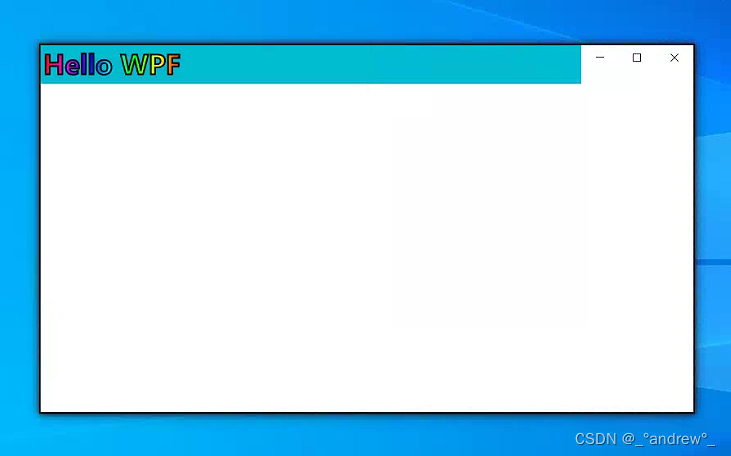
注:当设置标题栏背景颜色时,鼠标在标题栏区域无法拖动窗口移动!!!
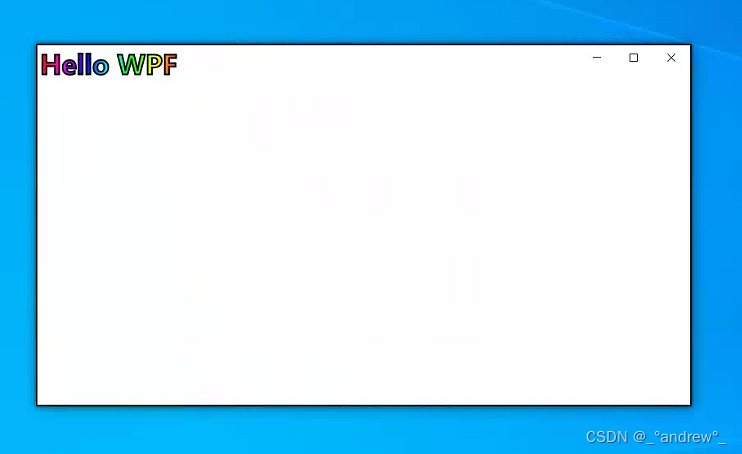
不设置标题栏背景颜色时,鼠标在标题栏区域可拖动窗口移动!!!