云尚办公-0.1.0

二、用户管理接口
1. 建表
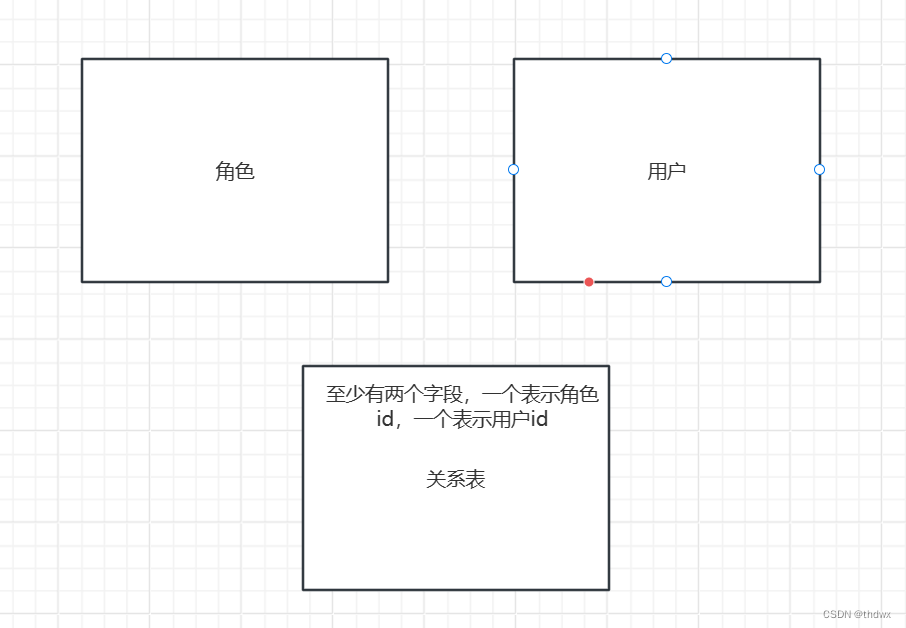
角色与用户是多对多的关系,所以除了角色表和用户表外,还需要第三张表表示这两者间的对应关系。关系表中的用户id和角色id分别以对应表中的id作为外键。
CREATE TABLE `sys_user` (`id` BIGINT(20) NOT NULL AUTO_INCREMENT COMMENT '会员id',`username` VARCHAR(20) NOT NULL DEFAULT '' COMMENT '用户名',`password` VARCHAR(32) NOT NULL DEFAULT '' COMMENT '密码',`name` VARCHAR(50) DEFAULT NULL COMMENT '姓名',`phone` VARCHAR(11) DEFAULT NULL COMMENT '手机',`head_url` VARCHAR(200) DEFAULT NULL COMMENT '头像地址',`dept_id` BIGINT(20) DEFAULT NULL COMMENT '部门id',`post_id` BIGINT(20) DEFAULT NULL COMMENT '岗位id',`open_id` VARCHAR(255) DEFAULT NULL COMMENT '微信openId',`description` VARCHAR(255) DEFAULT NULL COMMENT '描述',`status` TINYINT(3) DEFAULT NULL COMMENT '状态(1:正常 0:停用)',`create_time` TIMESTAMP NOT NULL DEFAULT CURRENT_TIMESTAMP COMMENT '创建时间',`update_time` TIMESTAMP NOT NULL DEFAULT CURRENT_TIMESTAMP ON UPDATE CURRENT_TIMESTAMP COMMENT '更新时间',`is_deleted` TINYINT(3) NOT NULL DEFAULT '0' COMMENT '删除标记(0:不可用 1:可用)',PRIMARY KEY (`id`),UNIQUE KEY `idx_username` (`username`)
) ENGINE=INNODB AUTO_INCREMENT=13 DEFAULT CHARSET=utf8mb4 COMMENT='用户表';

CREATE TABLE `sys_user_role` (`id` BIGINT(20) NOT NULL AUTO_INCREMENT COMMENT '主键id',`role_id` BIGINT(20) NOT NULL DEFAULT '0' COMMENT '角色id',`user_id` BIGINT(20) NOT NULL DEFAULT '0' COMMENT '用户id',`create_time` TIMESTAMP NOT NULL DEFAULT CURRENT_TIMESTAMP COMMENT '创建时间',`update_time` TIMESTAMP NOT NULL DEFAULT CURRENT_TIMESTAMP ON UPDATE CURRENT_TIMESTAMP COMMENT '更新时间',`is_deleted` TINYINT(3) NOT NULL DEFAULT '0' COMMENT '删除标记(0:不可用 1:可用)',PRIMARY KEY (`id`),KEY `idx_role_id` (`role_id`),KEY `idx_admin_id` (`user_id`)
) ENGINE=INNODB AUTO_INCREMENT=11 DEFAULT CHARSET=utf8 COMMENT='用户角色';

2. MyBatisPlus的代码生成器
在common模块中引入代码生成器的依赖:
<dependency><groupId>com.baomidou</groupId><artifactId>mybatis-plus-generator</artifactId><version>3.4.1</version></dependency><dependency><groupId>org.apache.velocity</groupId><artifactId>velocity-engine-core</artifactId><version>2.0</version></dependency>
接着创建一个测试类,输入以下内容:
package pers.beiluo.yunshangoffice;import com.baomidou.mybatisplus.annotation.DbType;
import com.baomidou.mybatisplus.generator.AutoGenerator;
import com.baomidou.mybatisplus.generator.config.DataSourceConfig;
import com.baomidou.mybatisplus.generator.config.GlobalConfig;
import com.baomidou.mybatisplus.generator.config.PackageConfig;
import com.baomidou.mybatisplus.generator.config.StrategyConfig;
import com.baomidou.mybatisplus.generator.config.rules.NamingStrategy;public class CodeGet {public static void main(String[] args) {// 1、创建代码生成器AutoGenerator mpg = new AutoGenerator();// 2、全局配置// 全局配置GlobalConfig gc = new GlobalConfig();//在下面写上文件在自己系统中的目录gc.setOutputDir("D:\\Users\\Administrator\\Desktop\\guigu-oa\\guigu-oa-parent\\service-oa"+"/src/main/java");gc.setServiceName("%sService");	//去掉Service接口的首字母Igc.setAuthor("beiluo");//设置作者gc.setOpen(false);mpg.setGlobalConfig(gc);// 3、数据源配置DataSourceConfig dsc = new DataSourceConfig();//以下是数据库配置,写上自己的配置dsc.setUrl("jdbc:mysql://localhost:3306/guigu-oa?serverTimezone=GMT%2B8&useSSL=false");dsc.setDriverName("com.mysql.cj.jdbc.Driver");dsc.setUsername("root");dsc.setPassword("root");dsc.setDbType(DbType.MYSQL);mpg.setDataSource(dsc);// 4、包配置PackageConfig pc = new PackageConfig();pc.setParent("");pc.setModuleName("auth"); //模块名pc.setController("controller");pc.setService("service");pc.setMapper("mapper");mpg.setPackageInfo(pc);// 5、策略配置StrategyConfig strategy = new StrategyConfig();strategy.setInclude("sys_user");strategy.setNaming(NamingStrategy.underline_to_camel);//数据库表映射到实体的命名策略strategy.setColumnNaming(NamingStrategy.underline_to_camel);//数据库表字段映射到实体的命名策略strategy.setEntityLombokModel(true); // lombok 模型 @Accessors(chain = true) setter链式操作strategy.setRestControllerStyle(true); //restful api风格控制器strategy.setControllerMappingHyphenStyle(true); //url中驼峰转连字符mpg.setStrategy(strategy);// 6、执行mpg.execute();}
}
设置包名等时可以参考源代码给的默认值:
运行CodeGet,即可生成代码。要注意,如果使用的是Mysql8.0版本,可能会报错:Public Key Retrieval is not allowed,解决方法是:将url改为:dsc.setUrl("jdbc:mysql://localhost:3306/yunshangoffice?allowPublicKeyRetrieval=true&serverTimezone=GMT%2B8&useSSL=false");
生成的代码中有实体类,将它删掉并在model模块中创建SysUser类,生成的xml文件删掉即可,在生成的类上加上相应的注解。
//SysUser类
package pers.beiluo.yunshangoffice.model.system;import com.baomidou.mybatisplus.annotation.TableField;
import com.baomidou.mybatisplus.annotation.TableName;import io.swagger.annotations.ApiModel;
import io.swagger.annotations.ApiModelProperty;
import lombok.Data;
import pers.beiluo.yunshangoffice.model.base.BaseEntity;
import java.util.List;@Data
@ApiModel(description = "用户")
@TableName("sys_user")
public class SysUser extends BaseEntity {private static final long serialVersionUID = 1L;@ApiModelProperty(value = "用户名")@TableField("username")private String username;@ApiModelProperty(value = "密码")@TableField("password")private String password;@ApiModelProperty(value = "姓名")@TableField("name")private String name;@ApiModelProperty(value = "手机")@TableField("phone")private String phone;@ApiModelProperty(value = "头像地址")@TableField("head_url")private String headUrl;@ApiModelProperty(value = "部门id")@TableField("dept_id")private Long deptId;@ApiModelProperty(value = "岗位id")@TableField("post_id")private Long postId;@ApiModelProperty(value = "描述")@TableField("description")private String description;@ApiModelProperty(value = "openId")@TableField("open_id")private String openId;@ApiModelProperty(value = "状态(1:正常 0:停用)")@TableField("status")private Integer status;@TableField(exist = false)private List<SysRole> roleList;//岗位@TableField(exist = false)private String postName;//部门@TableField(exist = false)private String deptName;
}
完成上述工作后,开始编写控制器方法。
3. 控制器方法
创建SysUserController类:
package pers.beiluo.yunshangoffice.controller;import com.baomidou.mybatisplus.core.conditions.query.LambdaQueryWrapper;
import com.baomidou.mybatisplus.extension.plugins.pagination.Page;
import io.swagger.annotations.Api;
import io.swagger.annotations.ApiOperation;
import org.apache.logging.log4j.message.ReusableMessage;
import org.springframework.beans.factory.annotation.Autowired;
import org.springframework.util.StringUtils;
import org.springframework.web.bind.annotation.*;import pers.beiluo.yunshangoffice.common.result.Result;
import pers.beiluo.yunshangoffice.model.system.SysUser;
import pers.beiluo.yunshangoffice.service.SysUserService;
import pers.beiluo.yunshangoffice.vo.SysUserQueryVo;import java.util.List;/*** <p>* 用户表 前端控制器* </p>** @author beiluo* @since 2024-02-27*/
@Api(tags = "用户管理")
@RestController
@RequestMapping("/admin/system/sysUser")
public class SysUserController {//注入service@Autowiredprivate SysUserService sysUserService;
}
3.1 条件分页查询
首先创建条件对象:
package pers.beiluo.yunshangoffice.vo;import lombok.Data;import java.io.Serializable;/*** <p>* 用户查询实体* </p>*/
@Data
public class SysUserQueryVo implements Serializable {private static final long serialVersionUID = 1L;private String keyword;private String createTimeBegin;private String createTimeEnd;private Long roleId;private Long postId;private Long deptId;}
编写方法:
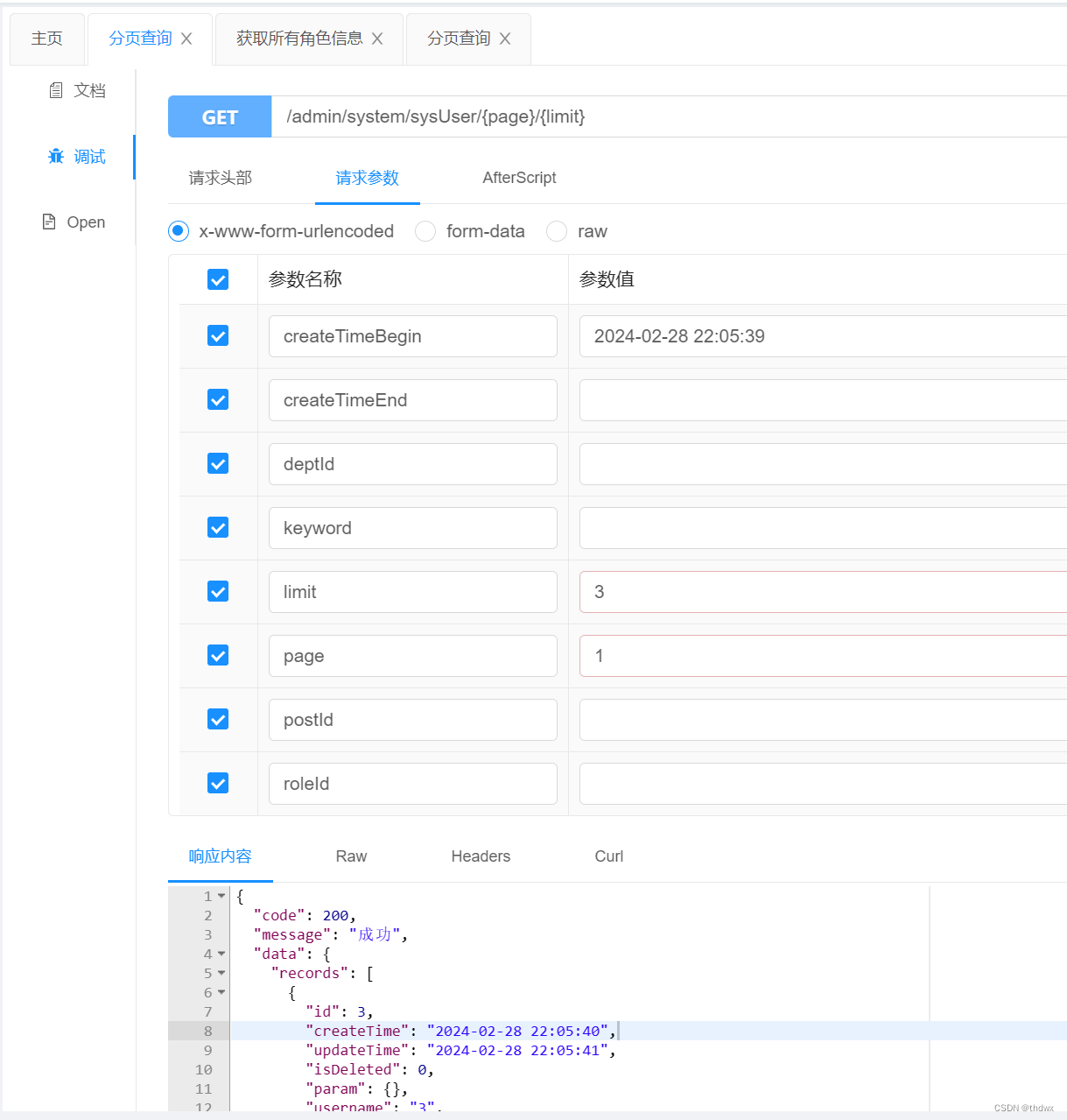
//分页查询@ApiOperation("分页查询")@GetMapping("/{page}/{limit}")public Result pageQueryUser(@PathVariable Long page,@PathVariable Long limit,SysUserQueryVo sysUserQueryVo){//创建page对象Page<SysUser> sysUserPage = new Page<>(page, limit);//创建wrapper对象LambdaQueryWrapper<SysUser> sysUserLambdaQueryWrapper = new LambdaQueryWrapper<>();String keyword = sysUserQueryVo.getKeyword();//起始时间条件String createTimeBegin = sysUserQueryVo.getCreateTimeBegin();String createTimeEnd = sysUserQueryVo.getCreateTimeEnd();//封装条件if(StringUtils.isEmpty(keyword)){sysUserLambdaQueryWrapper.like(SysUser::getUsername,keyword);}if(StringUtils.isEmpty(createTimeBegin)){sysUserLambdaQueryWrapper.ge(SysUser::getCreateTime,createTimeBegin);}if(StringUtils.isEmpty(createTimeEnd)){sysUserLambdaQueryWrapper.le(SysUser::getCreateTime,createTimeEnd);}//查询return Result.ok(sysUserService.page(sysUserPage, sysUserLambdaQueryWrapper));}
3.2 根据id获取用户
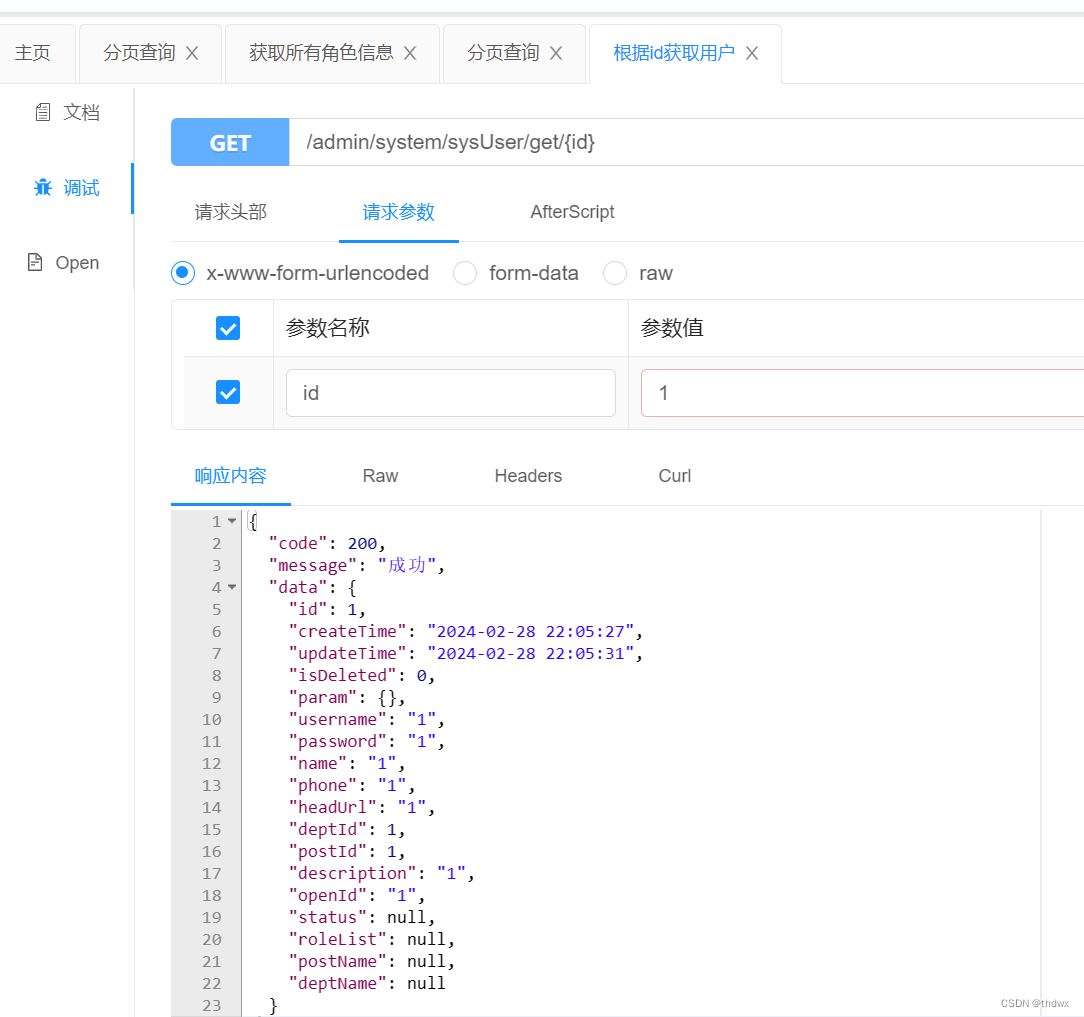
//根据id获取用户@ApiOperation("根据id获取用户")@GetMapping("/get/{id}")public Result getUserById(@PathVariable("id") Long id){SysUser byId = sysUserService.getById(id);return Result.ok(byId);}
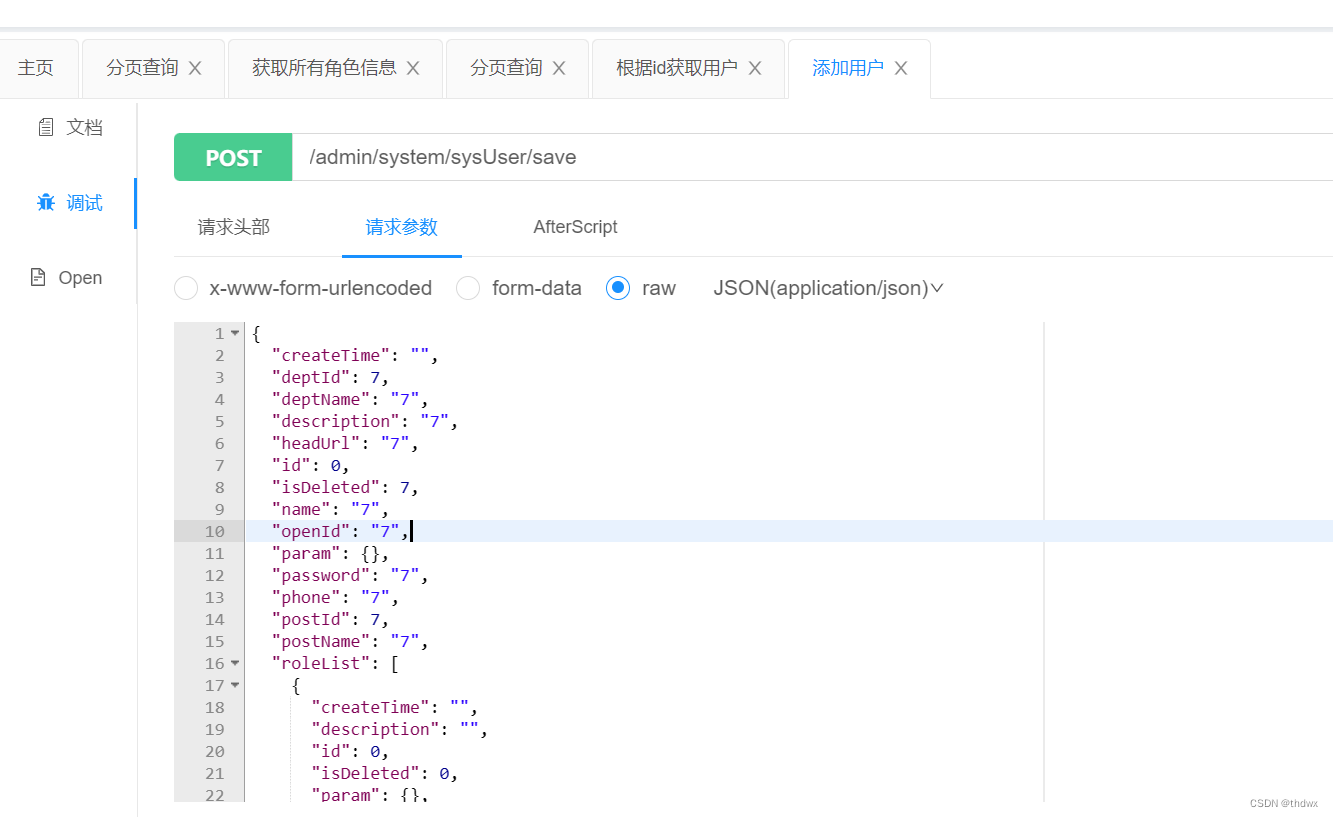
3.3 添加用户
//添加用户@ApiOperation("添加用户")@PostMapping("/save")public Result save(@RequestBody SysUser sysUser){boolean save = sysUserService.save(sysUser);if(save){return Result.ok();}else{return Result.fail();}}

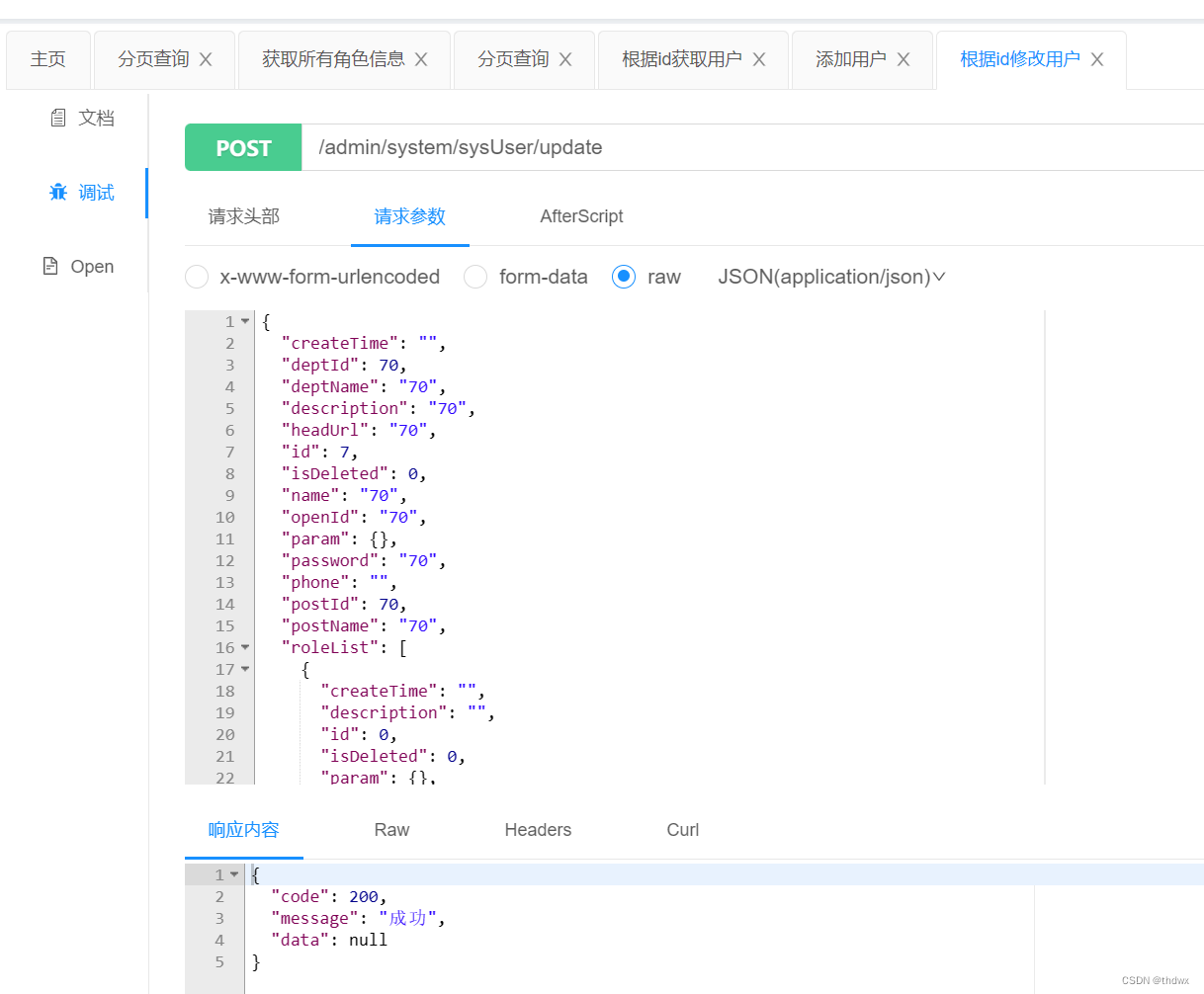
3.4 修改用户
//根据id修改用户信息@ApiOperation("根据id修改用户")@PostMapping("/update")public Result updateUserById(@RequestBody SysUser sysUser){boolean b = sysUserService.updateById(sysUser);if(b){return Result.ok();}else{return Result.fail();}}
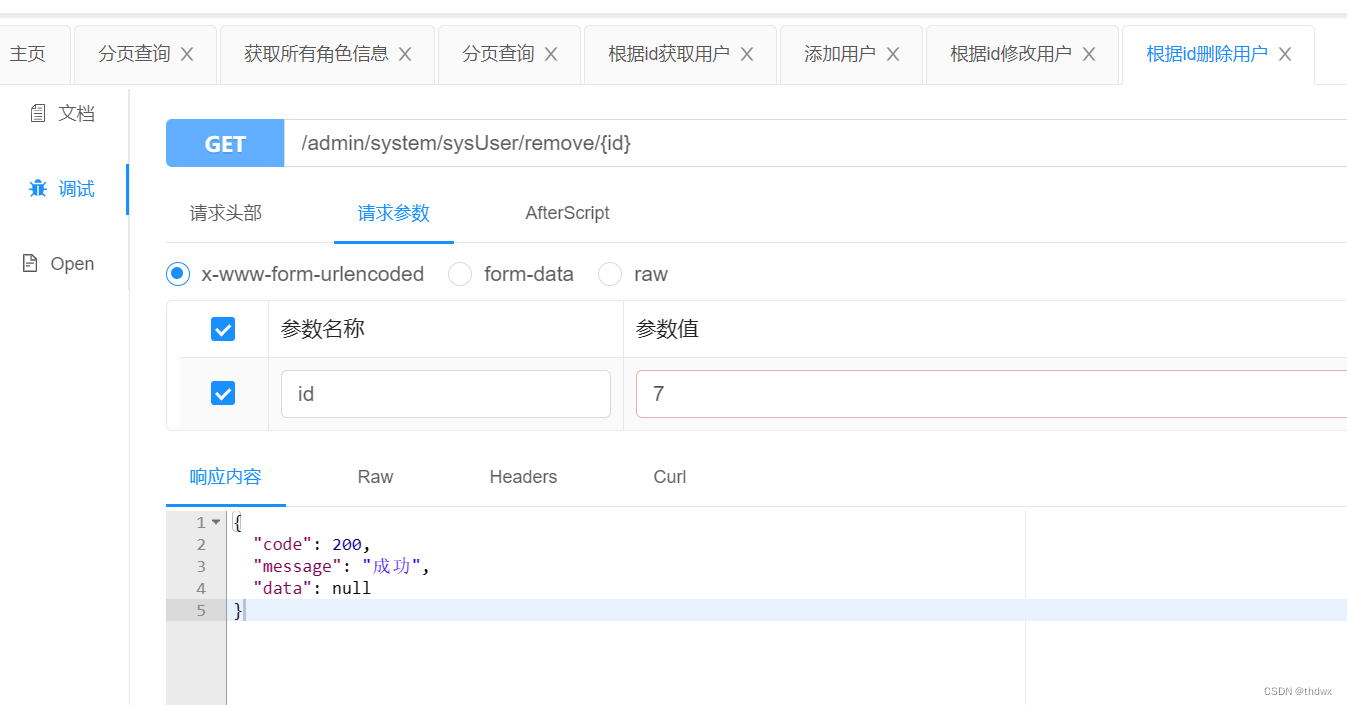
3.5 删除用户
//删除用户@ApiOperation("根据id删除用户")@GetMapping("/remove/{id}")public Result removeUserById(@PathVariable Long id){boolean b = sysUserService.removeById(id);if(b){return Result.ok();}else{return Result.fail();}}
3.6 批量删除用户
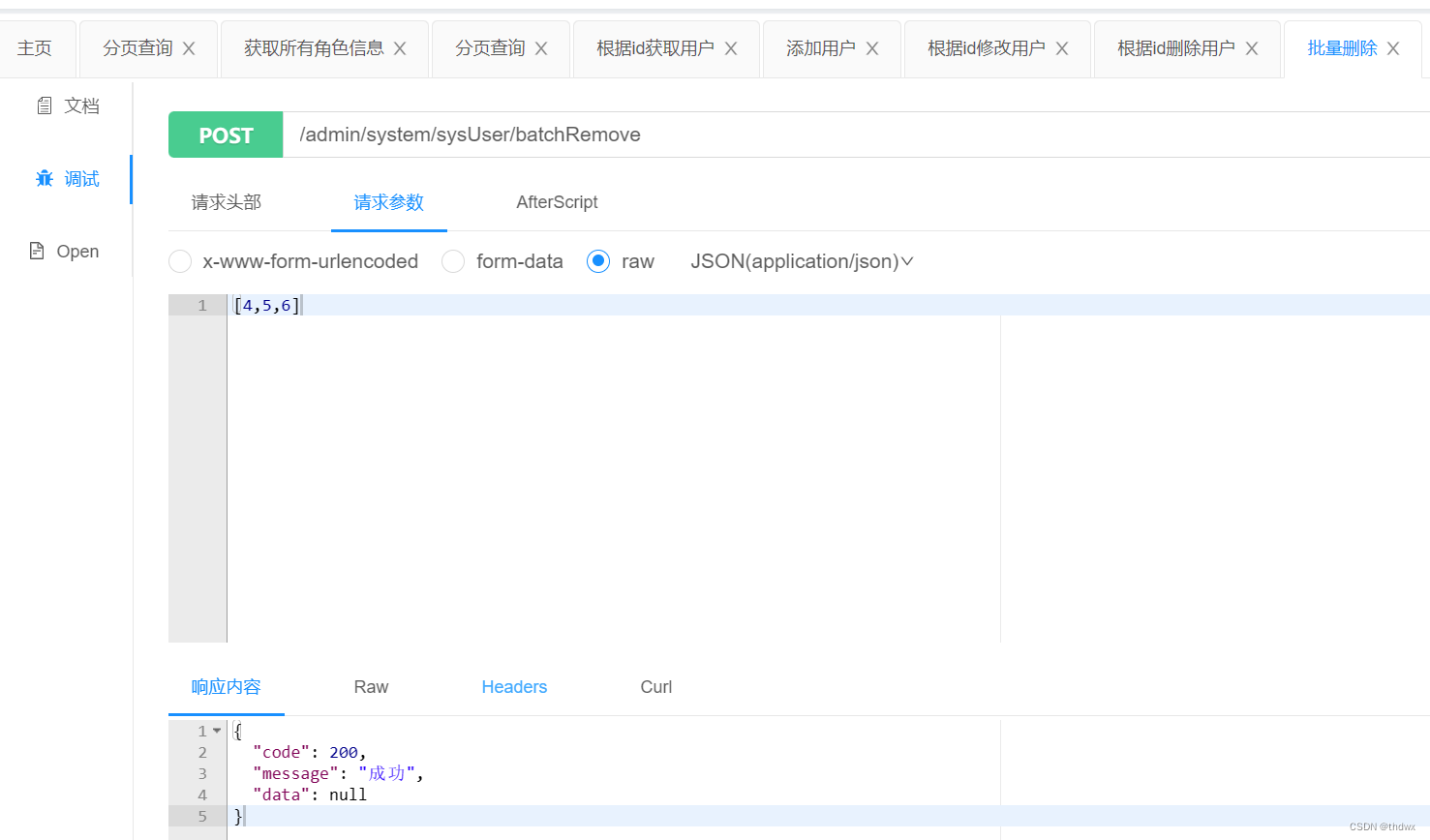
//批量删除@ApiOperation("批量删除")@PostMapping("/batchRemove")public Result batchRemoveUser(@RequestBody List<Long> list){boolean b = sysUserService.removeByIds(list);if(b){return Result.ok();}else{return Result.fail();}}