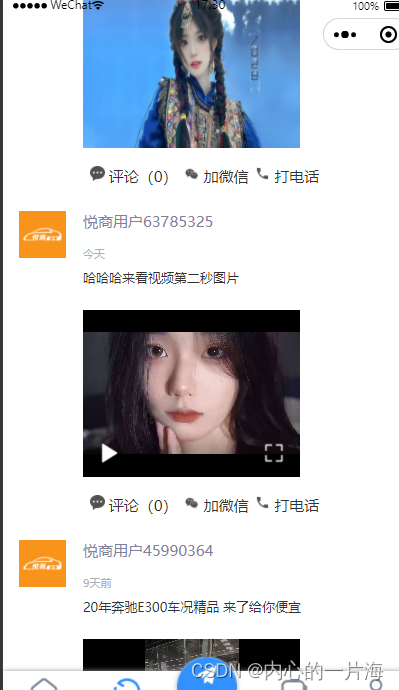
<view v-else :class='{contentImg: x.picture.length==0}' style="margin-top: 10px;"v-for="(x1, y1) in x.picture" :key="y"><image v-if="imgType.includes(x.picture[y1].split('.').pop())" style="width: 217px;height: 167px; margin-top: 14px" :src="x.picture[y1]" @click="yulan(x.picture,y)"></image><video :id="'video_play'+x.id" v-else style="width: 217px;height: 167px; margin-top: 14px" @play="playVedio(x.id)" @fullscreenchange="fullscreenchange" :src="x.picture[y1]" :poster="x.capture_videos_img" controls ></video></view><script> methods: { yulan(url,index){uni.previewImage({urls: url, current: index, success: function(res) {console.log("333",res)},fail: function(res) {console.log("22",res)},complete: function(res) {},})},playVedio(index){this.indexVideo=index;this.videoContext=uni.createVideoContext("video_play"+index,this);this.videoContext.requestFullScreen();},fullscreenchange(e) {if (!e.detail.fullScreen) {uni.createVideoContext('video_play'+this.indexVideo, this).pause();} }}<script>
