Python+Selenium-使用Pillow库进行元素截图

1. Pillow库
Pillow库是Python图像处理的基库,是一个免费开源的第三方库。
通过Python PyPi第三方库官网(https://pypi.org/project/Pillow/#files)下载与平台系统相对应的版本:
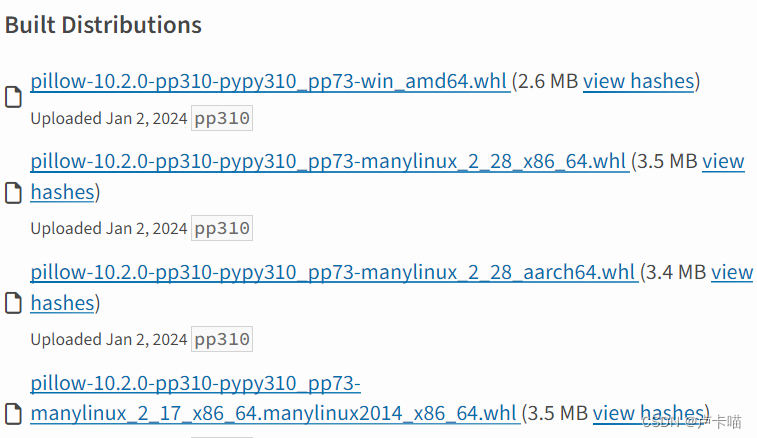
下载完成后,进入下载文件的所在位置,然后直接使用pip命令来安装.whl文件即可:
module load python/3.6.6
pip3 install xxxxxx.whl
2. 页面截图
selenium中页面截图的方法比较简单,可以使用selenium自带的截图方式,此方法截图是整个网页
from selenium import webdriver
driver.get(web_path)
driver.save_screenshot("web.png")
3.元素截图
元素截图需要先安装第三方pillow库,代码中需要先导入Image模组。
import PIL
from PIL import Imagedriver = webdriver.FirefoxOptions()
driver.get(web_path)
#获取整个web截图
driver.save_screenshot("web.png")
#元素定位
root = driver.find_element(By.XPATH, "//span[@class='view_tabTitle' and text()='root']")
#location方法获取元素坐标
left = root.location['x']
top = root.location['y']
right = left + root.size['width']
bottom = top + root.size['height']
#打开截图
image =Image.open("web.png")
#根据元素坐标裁剪截图
mg = image.crop((left,top,right,bottom))
#获取截图
mg.save('root.png')
crop(box)包含4个元素(x,y,x+w,y+h), (x,y)是裁剪框左上角的坐标,(x+w,y+h)是右下角的坐标。
要注意右边和下边都要分别比左边和上边大,否则就会报下面的错误:
AttributeError: ‘_idat’ object has no attribute ‘fileno’