UE5 C++ 创建可缩放的相机

一.要将相机设置在Pawn类里
1.在MyPawn头文件里,加上摇臂和相机组件
#include "GameFramework/SpringArmComponent.h"
#include "Camera/CameraComponent.h"
2.在Pawm里声明SceneComponet,SpringArmComponent,CameraComponent组件指针
再声明一个移动缩放调用的函数
public:UPROPERTY(VisibleAnywhere,BlueprintReadOnly,Category = "MySceneComponent")USceneComponent* MyRoot;UPROPERTY(VisibleAnywhere,BlueprintReadOnly,Category = "MySceneComponent")USpringArmComponent* MySpringArm;UPROPERTY(VisibleAnywhere,BlueprintReadOnly,Category = "MySceneComponent")UCameraComponent* MyCamera;//鼠标划轮移动镜头缩放void Zoom(bool Direction,float ZoomSpeed);在Pawn里将的组件通过CreateDefaultSubobject<T>(TEXT("Name"))创造命名。
根组件赋值为MyRoot的物体组件。SetupAttackment来连接子组件。将MySpringArm的bDoCollisionTest = false来停止碰撞。
AMyPawn::AMyPawn()
{// Set this pawn to call Tick() every frame.  You can turn this off to improve performance if you don't need it.PrimaryActorTick.bCanEverTick = true;MyRoot = CreateDefaultSubobject<USceneComponent>(TEXT("MyRootComponent"));MySpringArm = CreateDefaultSubobject<USpringArmComponent>(TEXT("MySpringArmComponent"));MyCamera = CreateDefaultSubobject<UCameraComponent>(TEXT("MyCameraComponent"));RootComponent = MyRoot;MySpringArm->SetupAttachment(MyRoot);MyCamera->SetupAttachment(MySpringArm);MySpringArm->bDoCollisionTest = false;  //让它无碰撞
3.设置好Pawn的Transform信息。
FVector MyLocation = FVector(0,0,0);FRotator MyRotation = FRotator(-50,0,0);FVector MyScale = FVector(1,1,1);SetActorLocation(MyLocation);SetActorRotation(MyRotation);SetActorScale3D(MyScale);4.在滑动函数里,将相机的伸缩臂的伸缩方向和速度的逻辑写好
void AMyPawn::Zoom(bool Direction, float ZoomSpeed)
{if (Direction) //1{if (MySpringArm->TargetArmLength >= 300 && MySpringArm->TargetArmLength < 5000)  //如果摄像机摇臂在300 到 5000之间{MySpringArm->TargetArmLength += (ZoomSpeed * 2);GEngine->AddOnScreenDebugMessage(-1, 5.0f, FColor::Red, FString::Printf(TEXT("SpringArmLength is %f"), MySpringArm->TargetArmLength));}}else{if (MySpringArm->TargetArmLength > 300 && MySpringArm->TargetArmLength <= 5000){MySpringArm->TargetArmLength -= (ZoomSpeed * 2);GEngine->AddOnScreenDebugMessage(-1,5.0f,FColor::Red,FString::Printf(TEXT("SpringArmLength is %f"),MySpringArm->TargetArmLength));}}
}
5.在PlayerController.cpp头文件里包含Pawn。注意顺序(MyPlayerController.h要放在第一个)
#include "MyPlayerController.h"
#include "MyPawn.h"
在PlayerController.h里声明 绑定输入 和 其他功能函数
virtual void SetupInputComponent();void WheelUpFunction();void WheelDownFunction();设置输入绑定事件,由于要重写SetupInputComponent虚函数,首先要继承父类的Super::SetupInputComponent(); 这个在UE里要写。再加上额外添加的代理绑定功能。

通过绑定输入代理,调用PlayerController的新定义的函数
void AMyPlayerController::SetupInputComponent()
{Super::SetupInputComponent();InputComponent->BindAction("WheelUp",IE_Pressed,this,&AMyPlayerController::WheelUpFunction);InputComponent->BindAction("WheelDown",IE_Pressed,this,&AMyPlayerController::WheelDownFunction);
}
新定义的函数中,通过GetPawn()拿到,GameMode里的Pawn,把它转换为AMyPawn。如果转换成功,在调用里面的MyPawn里的Zoom函数。
void AMyPlayerController::WheelUpFunction()
{if (GetPawn()){AMyPawn* MyCameraPawn = Cast<AMyPawn>(GetPawn());if (MyCameraPawn){MyCameraPawn->Zoom(true, 10);}}
}void AMyPlayerController::WheelDownFunction()
{if (GetPawn()){AMyPawn* MyCameraPawn = Cast<AMyPawn>(GetPawn());if (MyCameraPawn){MyCameraPawn->Zoom(false, 10);}}
}
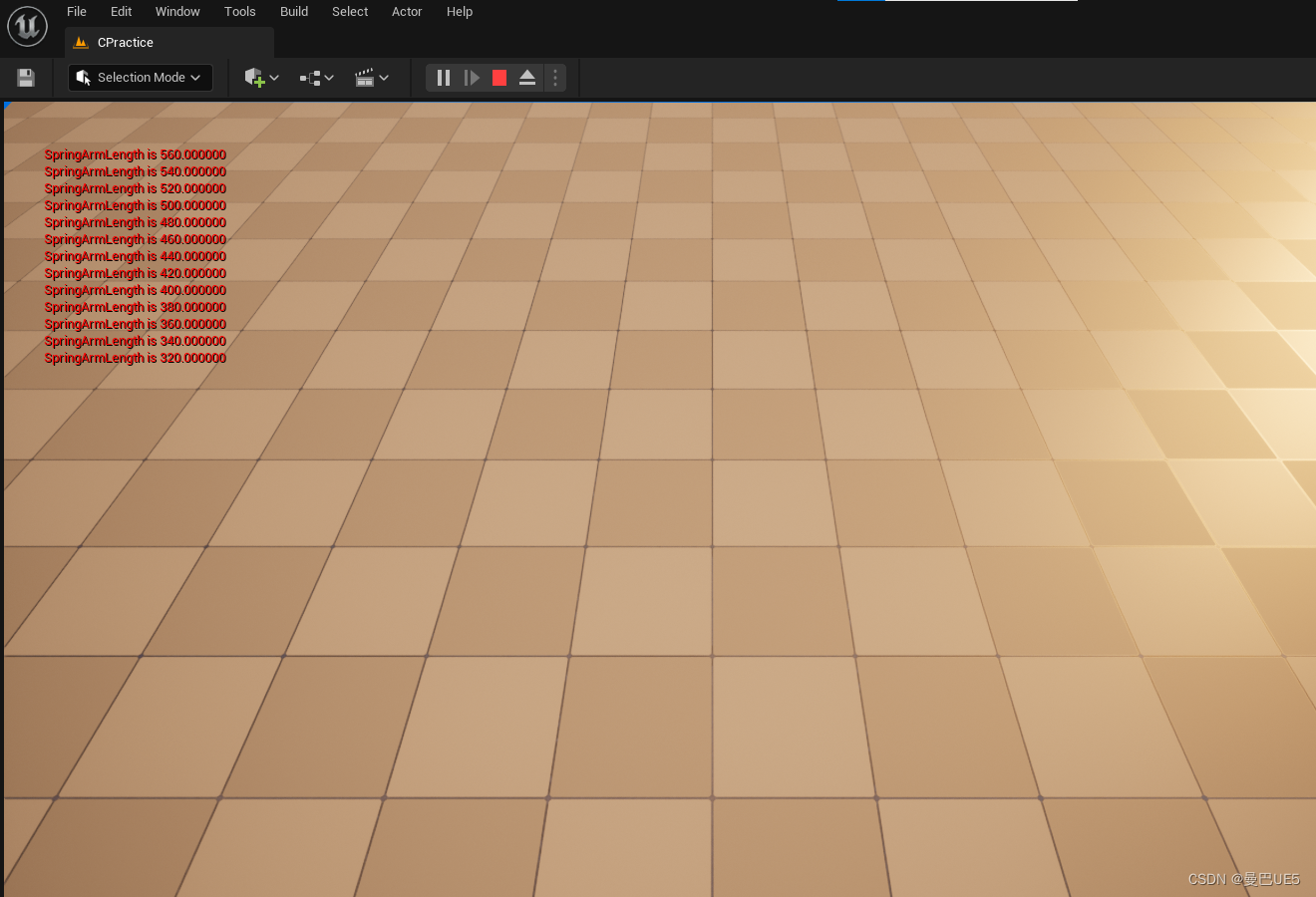
可以伸缩,并且打印SpringArm的长度