WPF中值转换器的使用

什么是值转换器
在WPF(Windows Presentation Foundation)中,值转换器(Value Converter)是一种机制,允许你在绑定时转换绑定源和绑定目标之间的值。值转换器实现了 IValueConverter 接口,该接口包含两个方法:Convert 和 ConvertBack。这两个方法分别用于在绑定源到目标时进行值转换,以及在目标到源时进行值转换。
使用值转换器的Demo
首先创建一个绑定数据源类:
using System;
using System.ComponentModel;namespace BindConversion
{public class MyData : INotifyPropertyChanged{private DateTime _thedate;public MyData(){_thedate = DateTime.Now;}public DateTime TheDate{get { return _thedate; }set{_thedate = value;OnPropertyChanged("TheDate");}}// Declare eventpublic event PropertyChangedEventHandler PropertyChanged;// OnPropertyChanged method to update property value in bindingprivate void OnPropertyChanged(string info){PropertyChanged?.Invoke(this, new PropertyChangedEventArgs(info));}}
}
有一个类型为DateTime的属性TheDate,该类实现了INotifyPropertyChanged接口。
再创建一个转换器类:
using System;
using System.Globalization;
using System.Windows.Data;
using System.Windows.Media;namespace BindConversion
{public class MyConverter : IValueConverter{public object Convert(object o, Type type,object parameter, CultureInfo culture){var date = (DateTime) o;switch (type.Name){case "String":return date.ToString("F", culture);case "Brush":return Brushes.Red;default:return o;}}public object ConvertBack(object o, Type type,object parameter, CultureInfo culture) => null;}
}
该类实现了IValueConverter接口。
IValueConverter介绍
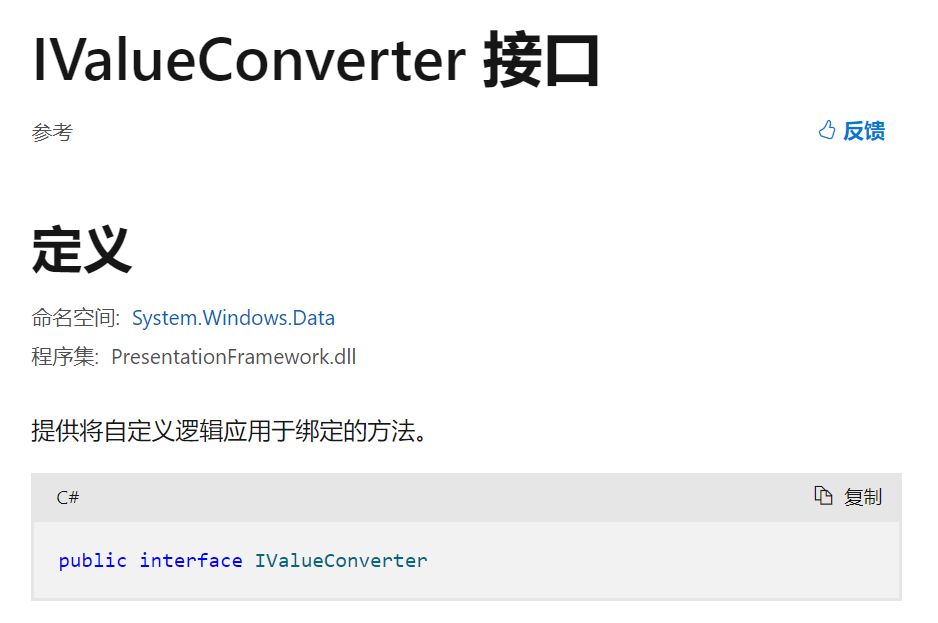
如果要将值转换器与绑定相关联,请创建实现 接口的 IValueConverter 类, Convert 然后实现 和 ConvertBack 方法。 转换器可以将数据从一种类型更改为另一种类型,根据文化信息转换数据,或修改演示文稿的其他方面。
值转换器具有区域性感知能力。 Convert和 ConvertBack 方法都有一个culture参数,用于指示区域性信息。 如果区域性信息与转换无关,则可以在自定义转换器中忽略该参数。
该接口有两个方法Convert与ConvertBack。
public object Convert (object value, Type targetType, object parameter, System.Globalization.CultureInfo culture);
中各参数的含义如下所示:
| 参数 | 类型 | 含义 |
|---|---|---|
| value | object | 绑定源生成的值。 |
| targetType | Type | 绑定目标属性的类型。 |
| parameter | object | 要使用的转换器参数。 |
| culture | CultureInfo | 要用在转换器中的区域性。 |
再看一下MainWindow.xaml:
<Window x:Class="BindConversion.MainWindow"xmlns="http://schemas.microsoft.com/winfx/2006/xaml/presentation"xmlns:x="http://schemas.microsoft.com/winfx/2006/xaml"xmlns:d="http://schemas.microsoft.com/expression/blend/2008"xmlns:mc="http://schemas.openxmlformats.org/markup-compatibility/2006"xmlns:local="clr-namespace:BindConversion"mc:Ignorable="d"Title="MainWindow" Height="350" Width="525"><StackPanel Width="300" Height="300" Name="Page1"><StackPanel.Resources><local:MyData x:Key="MyDataSource"/><local:MyConverter x:Key="MyConverterReference"/><Style TargetType="TextBlock"><Setter Property="FontSize" Value="15"/><Setter Property="Margin" Value="3"/></Style></StackPanel.Resources><StackPanel.DataContext><Binding Source="{StaticResource MyDataSource}"/></StackPanel.DataContext><TextBlock Text="Unconverted data:"/><TextBlock Text="{Binding Path=TheDate}"/><TextBlock Text="Converted data:"/><TextBlock Name="myconvertedtext"Foreground="{Binding Path=TheDate,Converter={StaticResource MyConverterReference}}"><TextBlock.Text><Binding Path="TheDate"Converter="{StaticResource MyConverterReference}"/></TextBlock.Text></TextBlock></StackPanel>
</Window>
首先定义了资源:
<StackPanel.Resources><local:MyData x:Key="MyDataSource"/><local:MyConverter x:Key="MyConverterReference"/><Style TargetType="TextBlock"><Setter Property="FontSize" Value="15"/><Setter Property="Margin" Value="3"/></Style></StackPanel.Resources>
一个名为MyDataSource类型为MyData的资源与一个名为MyConverterReference类型为MyConverter的资源。
我们发现有三处地方用到了Binding:
<Binding Source="{StaticResource MyDataSource}"/>
这种形式我们已经见过了。
<TextBlock Name="myconvertedtext"Foreground="{Binding Path=TheDate,Converter={StaticResource MyConverterReference}}">
<Binding Path="TheDate"Converter="{StaticResource MyConverterReference}"/>
注意,这两处Binding中都出现了Converter。
Converter介绍
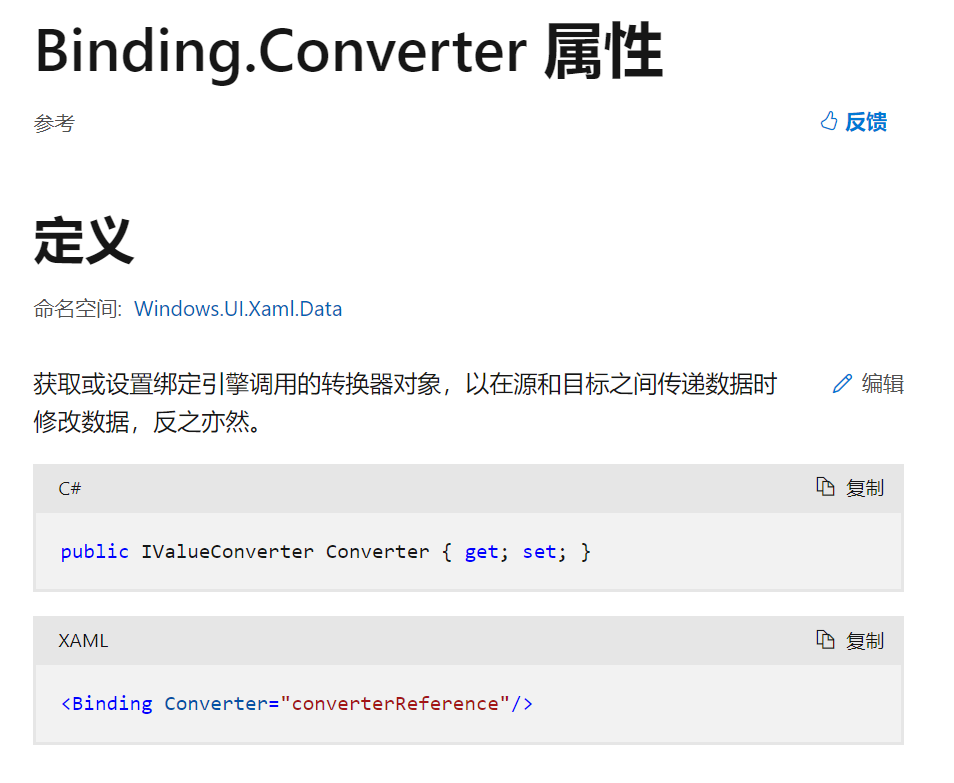
通过实现 IValueConverter 接口并实现 Convert 方法创建转换器。 该方法应返回一个对象,该对象的类型与绑定所面向的依赖属性的类型相同,或者至少返回一个可隐式强制转换或转换为目标类型的类型。
再结合这段代码:
public object Convert(object o, Type type,object parameter, CultureInfo culture){var date = (DateTime) o;switch (type.Name){case "String":return date.ToString("F", culture);case "Brush":return Brushes.Red;default:return o;}}
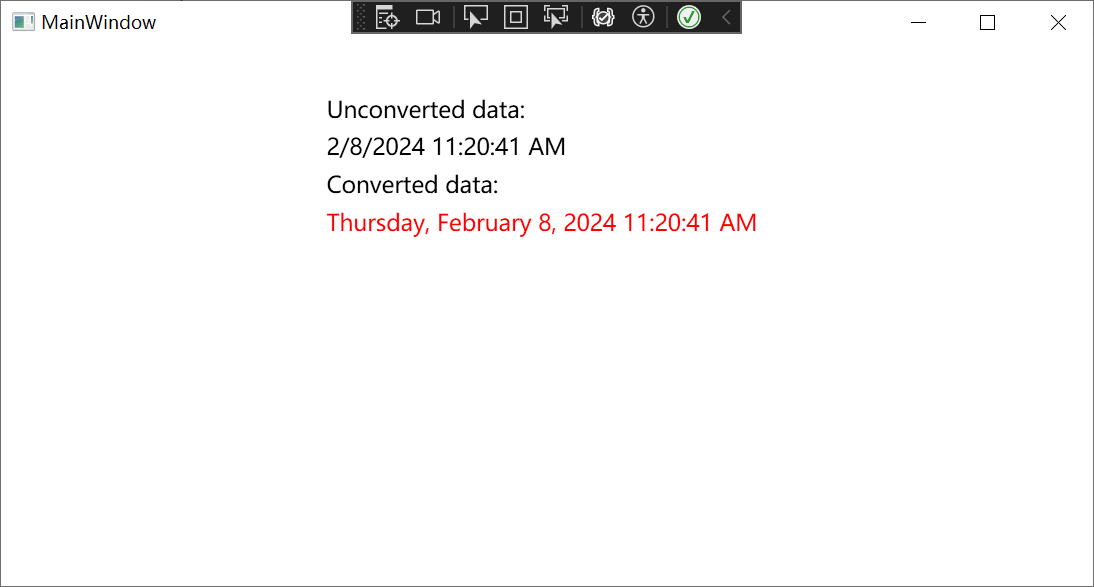
根据目标类型的不同,进行不同的转换。
TextBlock.Foreground的类型为Brush就返回Brushes.Red。
TextBlock.Text的类型为String就返回date.ToString("F", culture)。
结果如下图所示:
Demo代码来源
[WPF-Samples/Data Binding/BindConversion at main · microsoft/WPF-Samples (github.com)](https://github.com/microsoft/WPF-Samples/tree/main/Data Binding/BindConversion)