python-自动化篇-办公-文件-加解密

解说
要使⽤Python进⾏⽂件的加密和解密,可以使⽤第三⽅加密库,如cryptography或pycryptodome。
⼀个基本的⽰例,演⽰如何使⽤cryptography库对⽂件进⾏加密和解密:
- 安装cryptography库:
pip install cryptography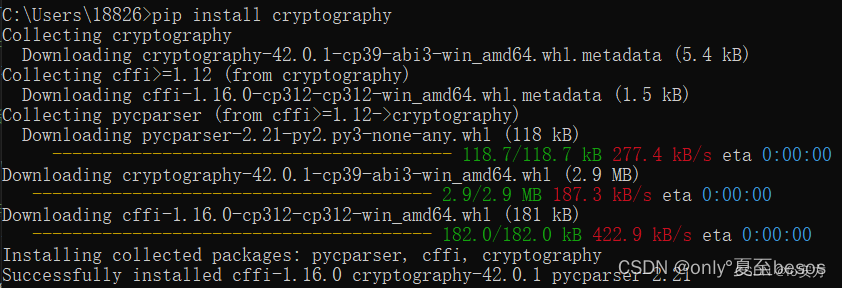
- ⽂件加密: Encryption.py
from cryptography.fernet import Fernet # ⽣成加密密钥 key = Fernet.generate_key() cipher_suite = Fernet(key) # 读取要加密的⽂件 with open('plain_file.txt', 'rb') as file: plain_text = file.read()# 加密⽂件内容 cipher_text = cipher_suite.encrypt(plain_text) # 将加密后的内容写⼊⽂件 with open('encrypted_file.txt', 'wb') as file: file.write(cipher_text) # 保存密钥⽤于解密 with open('encryption_key.key', 'wb') as key_file: key_file.write(key) - ⽂件解密: Decrypt.py
from cryptography.fernet import Fernet # 从⽂件中加载密钥
with open('encryption_key.key', 'rb') as key_file: key = key_file.read() cipher_suite = Fernet(key) # 读取要解密的⽂件
with open('encrypted_file.txt', 'rb') as file: cipher_text = file.read() # 解密⽂件内容
plain_text = cipher_suite.decrypt(cipher_text) # 将解密后的内容写⼊⽂件
with open('decrypted_file.txt', 'wb') as file: file.write(plain_text)
创建文件:plain_file.txt
加密:py.exe Encryption.py
解密:py.exe Decrypt.py