H5 嵌套iframe并设置全屏
- 上图上代码
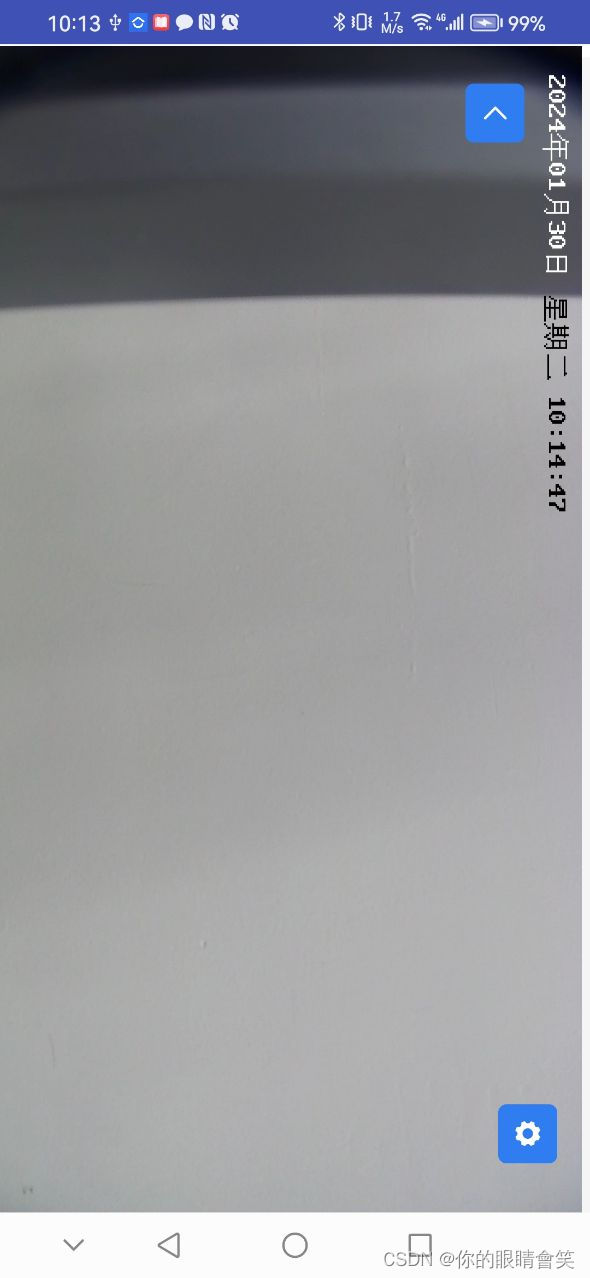
<template><view class="mp-large-screen-box"><view class="mp-large-screen-count"><view class="mp-mini-btn-color mp-box-count" hover-class="mp-mini-btn-hover" @click="clickLeft"><uni-icons type="left" size="18" color="#ffffff"></uni-icons></view><iframe class="mp-iframe" :src="ptzUrl" frameborder="0" :style="`width: ${dataInfos.windowHeight}px;height: ${dataInfos.windowWidth}px;position: absolute;top: -${dataInfos.windowWidth}px;left: 0;transform: rotate(90deg);transform-origin:0 ${dataInfos.windowWidth}px;pointer-events: none;`"></iframe></view></view>
</template>
<script>export default {data() {return {dataInfos: {}, }},props: {showPtz: {type: String,default: () => '',},ptzUrl: {type: String,default: () => '',},},mounted() {let that = thisuni.getSystemInfo({success: function(e) {console.log(e, '传参设备')that.dataInfos = e},})},methods: {clickLeft() {this.$emit('callbackFun')},},}
</script>
<style scoped lang="scss">.mp-large-screen-box {width: 100%;height: 100%;.uni-navbar__content {border-bottom: 0;}}.mp-large-screen-count {width: 100%;height: 100%;}.mp-iframme {width: 100%;height: 100%;}.mp-btn {position: absolute;top: 90%;right: 10px;width: 32px;height: 32px;display: flex !important;justify-content: center !important;align-items: center !important;padding: 0 !important;}.mp-mini-btn-color {margin-top: 14px;position: fixed;display: block;padding-left: 14px;padding-right: 14px;box-sizing: border-box;font-size: 18px;text-align: center;text-decoration: none;border-radius: 5px;overflow: hidden;cursor: pointer;line-height: 36px;font-size: 14px;background-color: var(--mp-primary);border-color: var(--mp-primary);color: #fff;bottom: 30px;width: 36px;height: 36px;right: 20px;display: flex;justify-content: center;align-items: center;}.mp-mini-btn-hover {animation: var(--mp-primary-light-10);}.mp-box-count {transform: rotate(90deg);position: absolute;right: 30px;z-index: 100 !important;top: 10px;}
</style>
- 搞定!(日常记录)
