springboot项目快速引入knife4j

- 引入依赖
<dependency><groupId>com.github.xiaoymin</groupId><artifactId>knife4j-spring-boot-starter</artifactId><version>3.0.3</version>
</dependency>
- knife4j配置文件
basePackage改为自己存放接口的包名
/*** Knife4j 接口文档配置* https://doc.xiaominfo.com/knife4j/documentation/get_start.html**/
@Configuration
@EnableSwagger2
@Profile({"dev", "test"})
public class Knife4jConfig {@Beanpublic Docket defaultApi2() {return new Docket(DocumentationType.SWAGGER_2).apiInfo(new ApiInfoBuilder().title("接口文档").description("knife4j-demomo").version("1.0").build()).select()// 指定 Controller 扫描包路径.apis(RequestHandlerSelectors.basePackage("com.example.knife4jdemo.demos.web")).paths(PathSelectors.any()).build();}
}
- 启动项目,访问http://localhost:8080/doc.html
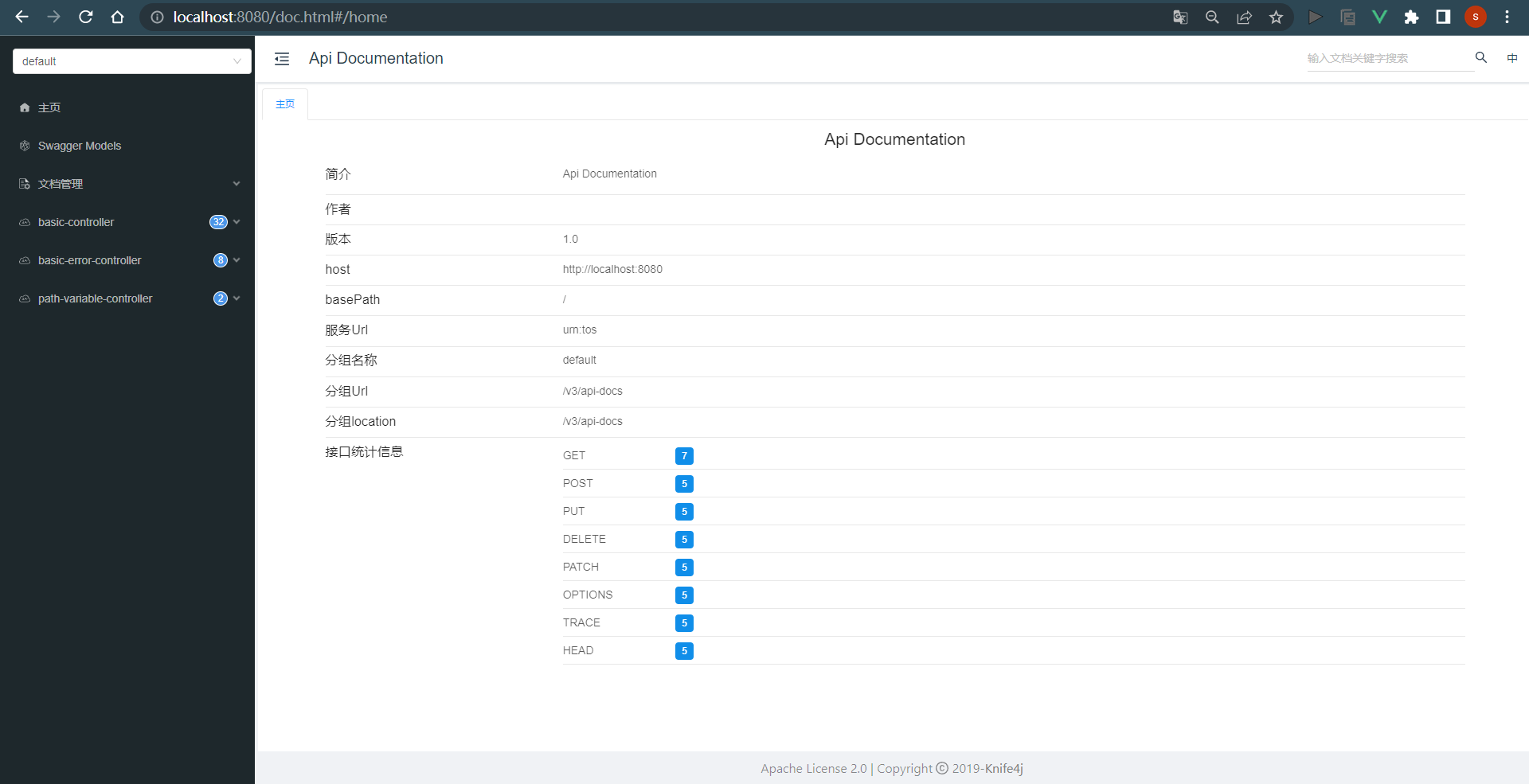
如果启动项目的时候启动失败了,报的错可能是
org.springframework.context.ApplicationContextException: Failed to start bean 'documentationPluginsBootstrapper'; nested exception is java.lang.NullPointerException
这个错误在springboot版本>=2.6.0的时候会引起,解决办法:
①、降低springboot版本
②、在application.yml中加入
spring:# 支持 swagger3mvc:pathmatch:matching-strategy: ant_path_matcher
上述knife4j基于Swagger2.0,OpenAPI3.0是swagger是Swagger2.0的升级版,一般来说,建议使用OpenAPI3.0,下一篇文章介绍基于OpenAPI3.0的knife4j