Github操作网络异常笔记

Github操作网络异常笔记
- 1. 源由
- 2. 解决
- 2.1 方案一
- 2.2 方案二
- 3. 总结
1. 源由
开源技术在国内永远是“蛋疼”,这些"政治"问题对于追求技术的我们,形成无法回避的障碍。
$ git pull
ssh: connect to host github.com port 22: Connection timed out
fatal: Could not read from remote repository.Please make sure you have the correct access rights
and the repository exists.
虽然说目前有屏蔽和墙,但对于技术“小虾米”们来说,还是有各种途径访问,也并未没有太多问题,只不过折腾浪费大量的时间和金钱。
希望和平的世界,摒弃政见,未人类地球村多做些有意义的事情,才是整理。
就像建一座桥,缩短了通勤时间,给大家带来便利。“政见”这种意识形态阻碍了技术的发展,浪费的时间和金钱,其实相当于谋财害命。
为什么要吐槽下,因为我前些时间还是好好的,突然就不行了。
2. 解决
百度不是万能的,但是Google绝对在技术问题上搜索引擎一流,直接5分钟找到方案。
2.1 方案一
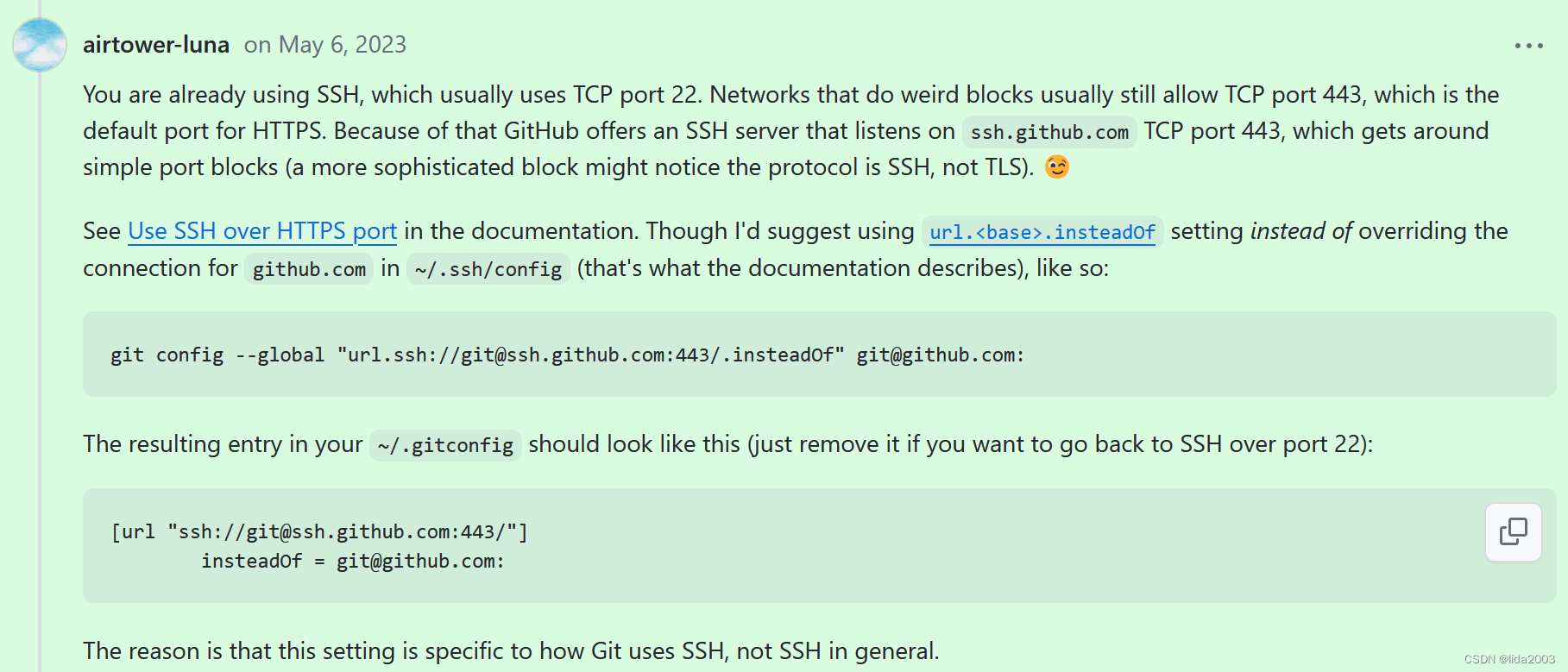
- Unable to use github ssh for anything (pull/clone/push etc) #54558
方案非常简单(22 over 433),命令如下:
$ git config --global "url.ssh://git@ssh.github.com:443/.insteadOf" git@github.com:
防止有些内网的兄弟看不到,直接截图:
2.2 方案二
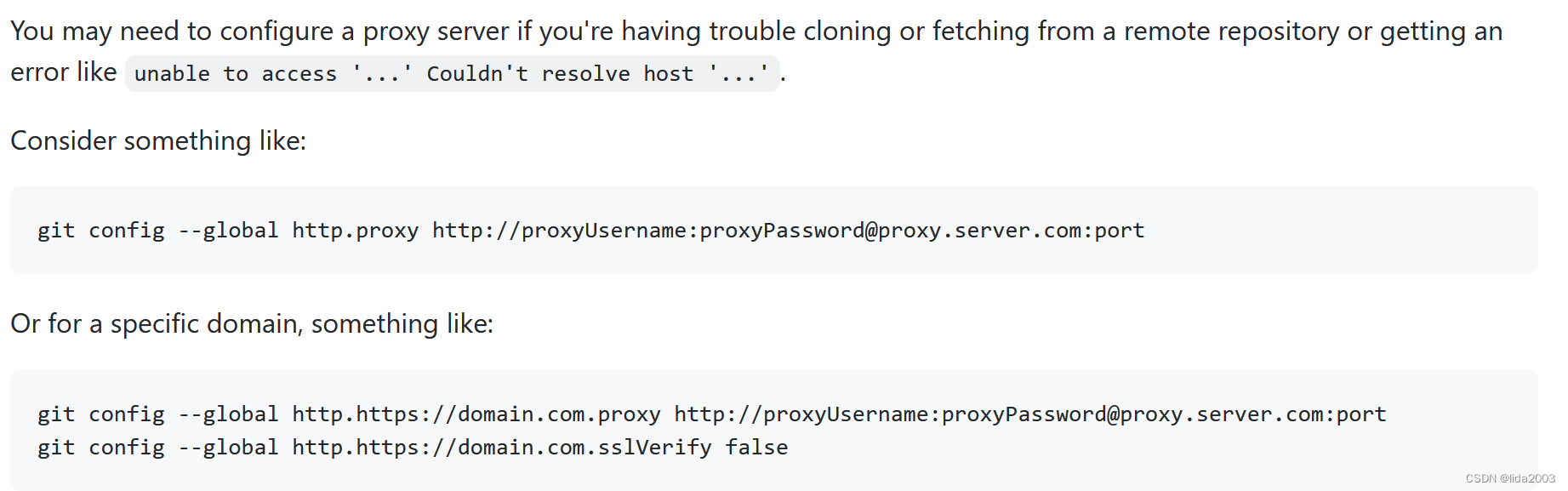
- Configure Git to use a proxy
方案非常简单(git proxy),命令如下:
$ git config --global http.proxy http://proxyUsername:proxyPassword@proxy.server.com:port
$ git pull
fatal: unable to access 'https://github.com/stephendade/Rpanion-server.git/': Failed to connect to github.com port 443: Connection timed out$ cat ~/.gitconfig
[url "ssh://git@ssh.github.com:443/"]insteadOf = git@github.com:
$ git config --global http.proxy http://192.168.1.12:808
$ cat ~/.gitconfig
[url "ssh://git@ssh.github.com:443/"]insteadOf = git@github.com:
[http]proxy = http://192.168.1.12:808$ git pull
remote: Enumerating objects: 8, done.
remote: Counting objects: 100% (8/8), done.
remote: Compressing objects: 100% (2/2), done.
remote: Total 8 (delta 6), reused 6 (delta 6), pack-reused 0
Unpacking objects: 100% (8/8), 927 bytes | 9.00 KiB/s, done.
From https://github.com/stephendade/Rpanion-server3bd162b..ddf955e  master     -> origin/master
Updating 3bd162b..ddf955e
Fast-forwardserver/index.js | 69 +++++++++++++++++++++++++++++++++++----------------------------------1 file changed, 35 insertions(+), 34 deletions(-)
3. 总结
希望这个世界能少一些政见,多一些技术!