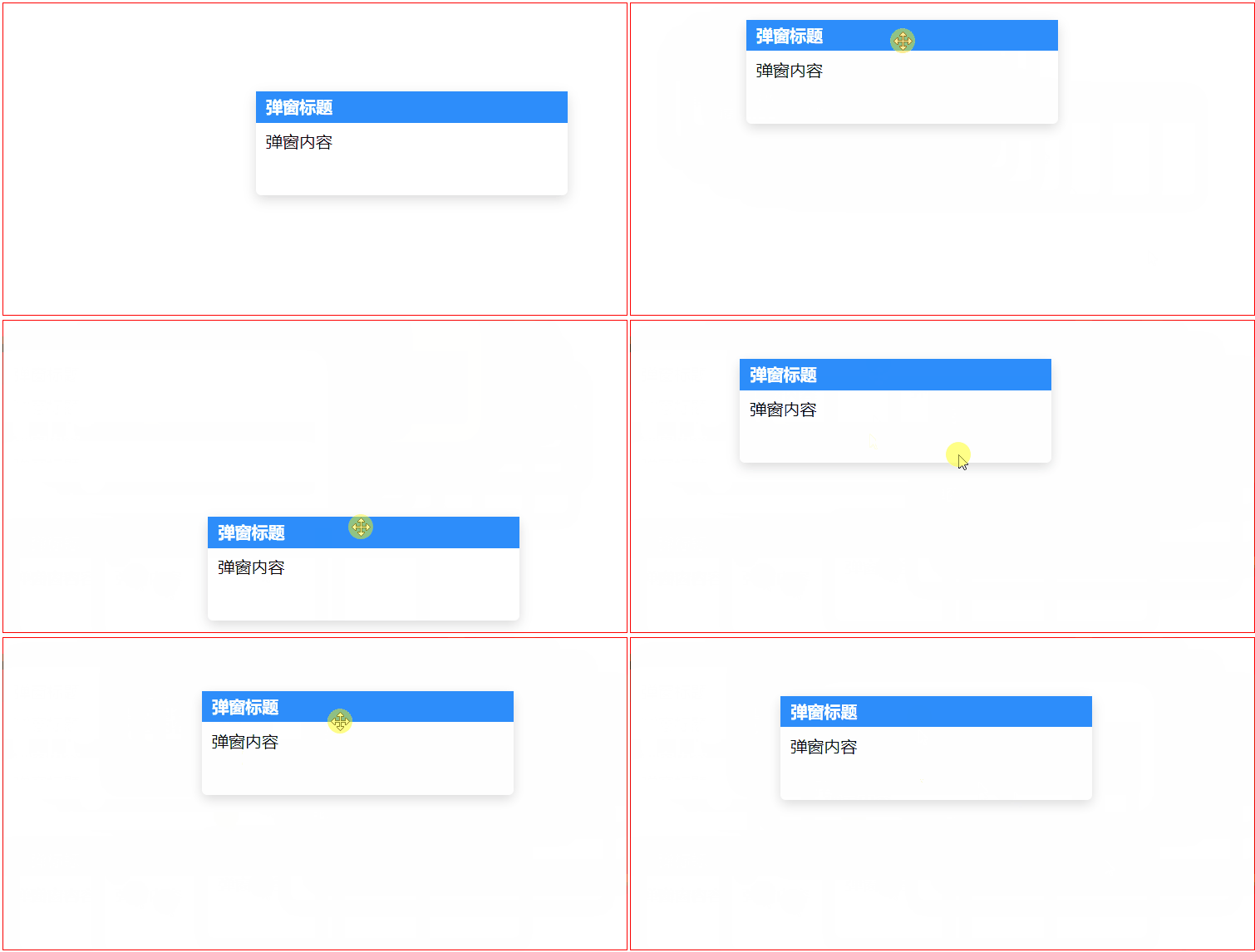
vue 指定区域可拖拽的限定拖拽区域的div(如仅弹窗标题可拖拽的弹窗)

在这里插入图片描述

<template><div class="container" ref="container"><div class="drag-box" v-drag><div class="win_head">弹窗标题</div><div class="win_content">弹窗内容</div></div></div>
</template><script>
export default {//自定义指令directives: {drag: {// 指令的定义bind: function (el, binding, vnode) {// 获取到vue实例let that = vnode.context;let drag_dom = el;// 获取到拖拽区let drag_handle = el.querySelector(".win_head");// 鼠标在拖拽区按下时触发拖拽drag_handle.onmousedown = (e) => {// 按下鼠标时,鼠标相对于被拖拽元素的坐标let disX = e.clientX - drag_dom.offsetLeft;let disY = e.clientY - drag_dom.offsetTop;// 获取容器domlet container_dom = that.$refs.container;document.onmousemove = (e) => {// 用鼠标的位置减去鼠标相对元素的位置,得到元素的位置let left = e.clientX - disX;let top = e.clientY - disY;// 在容器范围内移动时,被拖拽元素的最大left值let leftMax =container_dom.offsetLeft +(container_dom.clientWidth - drag_dom.clientWidth);// 在容器范围内移动时,被拖拽元素的最小left值let leftMin = container_dom.offsetLeft + 1; //此处+1为容器的边框1pxif (left > leftMax) {drag_dom.style.left = leftMax + "px";} else if (left < leftMin) {drag_dom.style.left = leftMin + "px";} else {drag_dom.style.left = left + "px";}// 在容器范围内移动时,被拖拽元素的最大left值let topMax =container_dom.offsetTop +(container_dom.clientHeight - drag_dom.clientHeight);// 在容器范围内移动时,被拖拽元素的最小left值let topMin = container_dom.offsetTop + 1; //此处+1为容器的边框1pxif (top > topMax) {drag_dom.style.top = topMax + "px";} else if (top < topMin) {drag_dom.style.top = leftMin + "px";} else {drag_dom.style.top = top + "px";}};document.onmouseup = () => {document.onmousemove = null;document.onmouseup = null;};};},},},
};
</script><style lang="scss" scoped>
.drag-box {position: absolute;top: 100px;left: 100px;width: 300px;height: 100px;background: #fff;border-radius: 5px;box-shadow: 0 4px 12px rgba(0, 0, 0, 0.15);// 禁止文字被选中user-select: none;
}.container {border: 1px solid red;width: 600px;height: 300px;margin: 30px;
}.win_head {background-color: rgb(45, 141, 250);color: white;height: 30px;line-height: 30px;font-weight: bold;padding-left: 10px;cursor: move;
}
.win_content {padding: 10px;
}
</style>