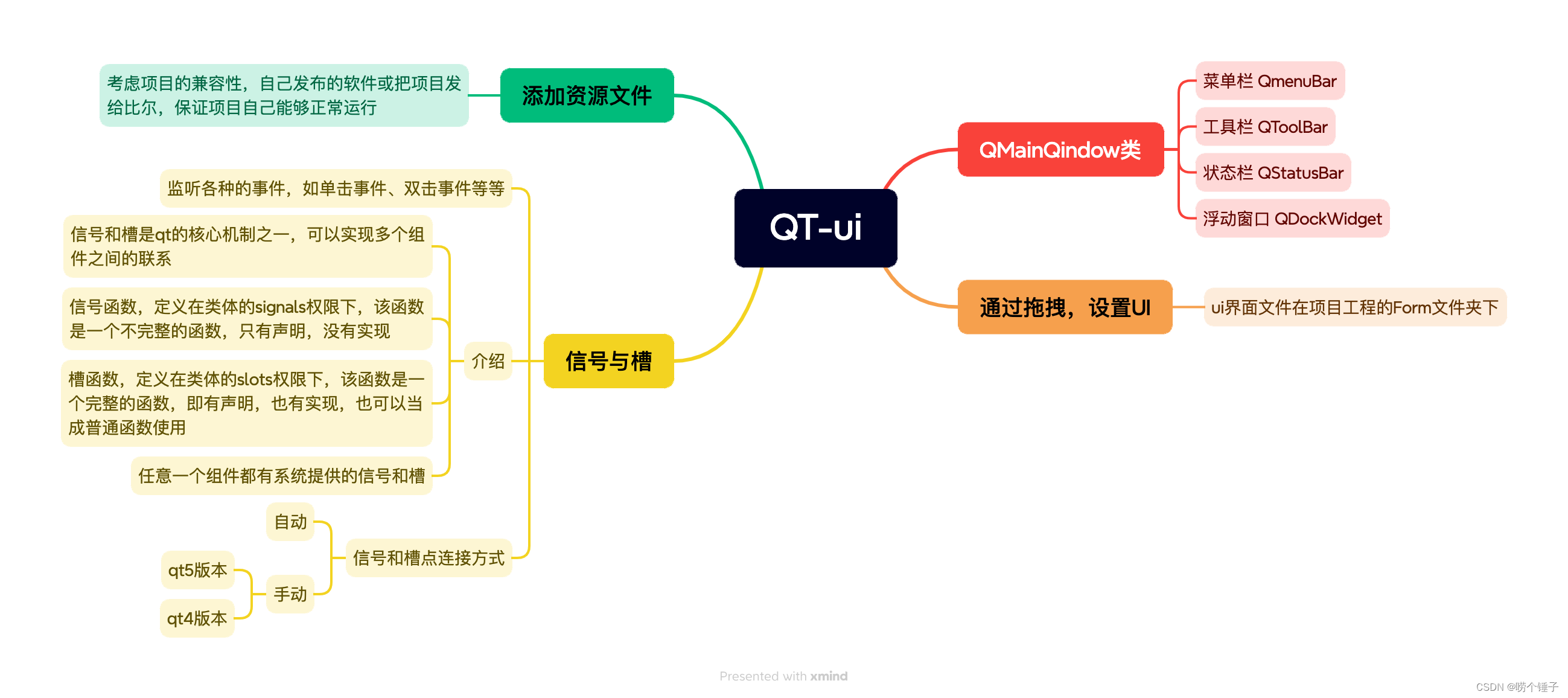
1.使用手动连接,将登录框中的取消按钮使用qt4版本的连接到自定义的槽函数中,在自定义的槽函数中调用关闭函数
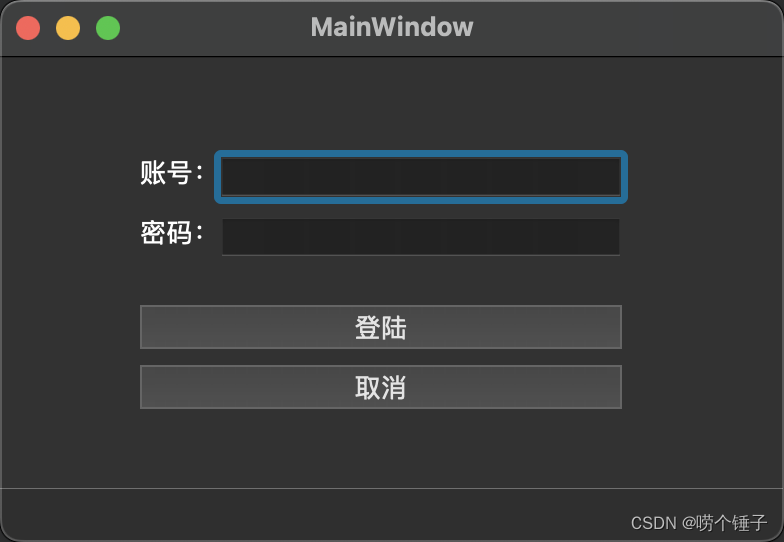
#include "mainwindow.h"
#include "ui_mainwindow.h"MainWindow::MainWindow(QWidget *parent): QMainWindow(parent), ui(new Ui::MainWindow)
{ui->setupUi(this);
connect(btn2,SIGNAL(clicked()),this,SLOT(close_slot()));connect(btn1,&QPushButton::clicked,this,&MyWidget::log_slot);
}void MyWidget::close_slot()
{this->close();
}void MyWidget::log_slot(){if(QString::compare("admin",edt1->text())==0 && QString::compare("123456",edt2->text())==0){qDebug()<<"登录成功";this->close();}else {edt2->clear();qDebug()<<"登录失败";}
}MainWindow::~MainWindow()
{delete ui;
}void MainWindow::on_closebtn_clicked()
{this->close();
}
