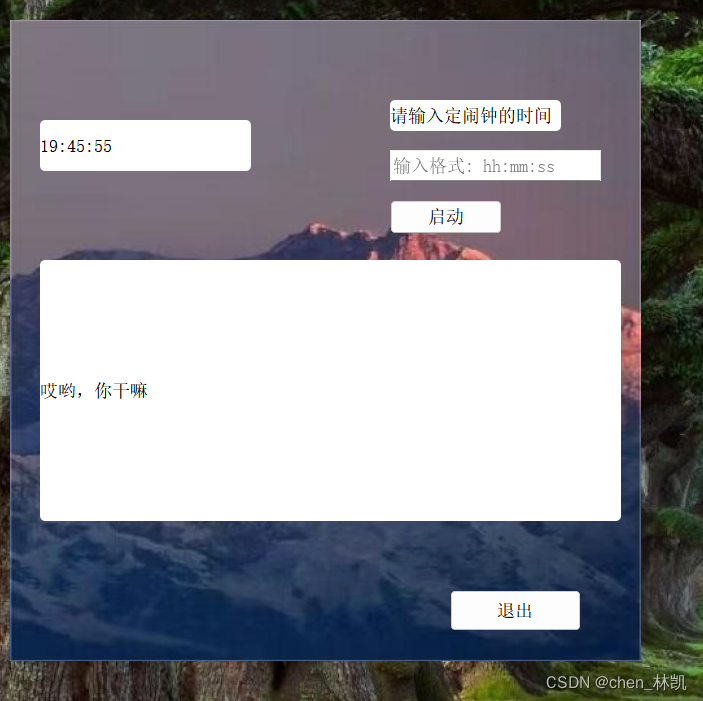
定时播放
#include "mywidget.h"
#include "ui_mywidget.h"MyWidget::MyWidget(QWidget *parent) :QWidget(parent),ui(new Ui::MyWidget)
{ui->setupUi(this);ui->bg_lab->setPixmap(QPixmap(":/pictrue/shanChuan.jpg"));ui->bg_lab->setScaledContents(true);this->setAttribute(Qt::WA_TranslucentBackground);this->setWindowFlag(Qt::FramelessWindowHint);sys_time_id = startTimer(1000);speecher = new QTextToSpeech(this);}MyWidget::~MyWidget()
{delete ui;
}void MyWidget::timerEvent(QTimerEvent *e)
{if(e->timerId() == sys_time_id){QTime sys_time = QTime::currentTime();ui->sys_time_lab->setText(sys_time.toString("hh:mm:ss"));}else if(e->timerId() == clock_time_id){for(int i=0; i<2; i++){speecher->say(ui->msg_lab->text());}killTimer(clock_time_id);}
}void MyWidget::on_exit_btn_clicked()
{this->close();
}void MyWidget::on_start_btn_clicked()
{clock_time_id = startTimer(QTime::currentTime().msecsTo(QTime::fromString(ui->inp_time->text(), "hh:mm:ss")));
}
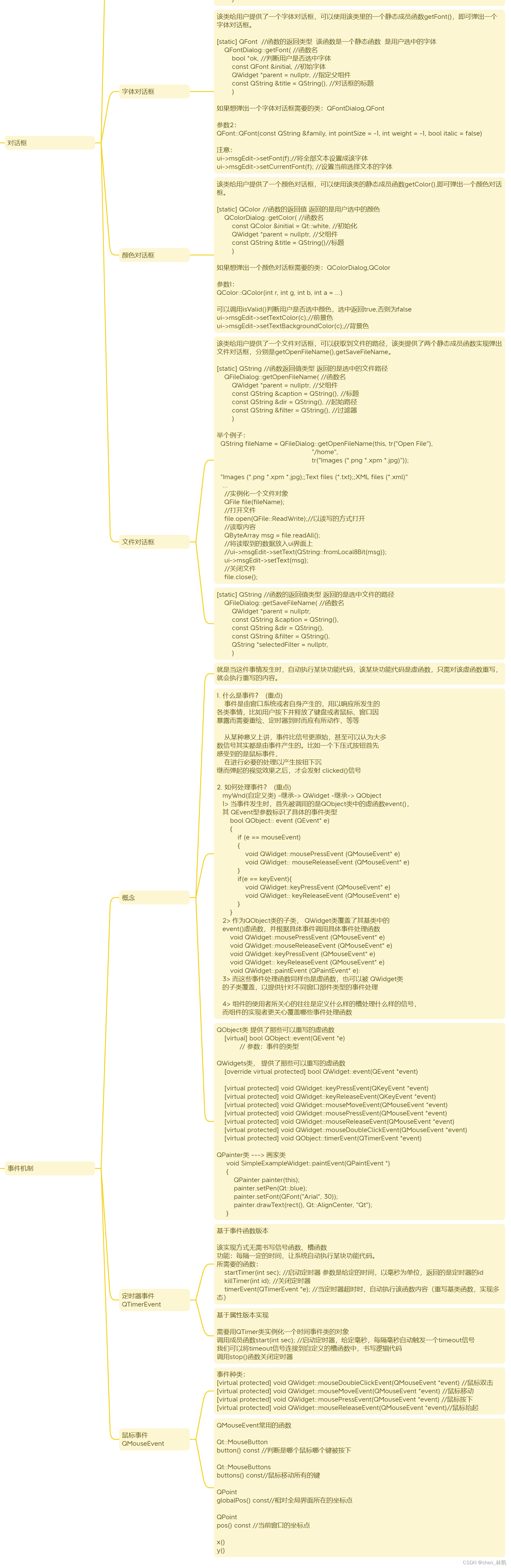
思维导图