聊天Demo

文章目录
- 参考链接
- 使用
- 前端界面
- 消息窗口平滑滚动至底部
- vue使用watch监听vuex中的变量变化
参考链接
vue.js实现带表情评论功能前后端实现(仿B站评论)
vue.js实现带表情评论仿bilibili(滚动加载效果)
vue.js支持表情输入
vue.js表情文本输入框组件
个人说说vue组件
JS操作文本域获取光标/指定位置插入
使用
前端使用:vue.js + vuex + iconfont + element-ui
后端使用:springboot + mybatisplus + redis + netty + websocket + spring security
可能有不少问题,反正先按照自己思路一点一点写,再参考下别人是怎么搞的再优化
前端界面
先写下大概的前端界面,界面出来了,才有继续写下去的动力
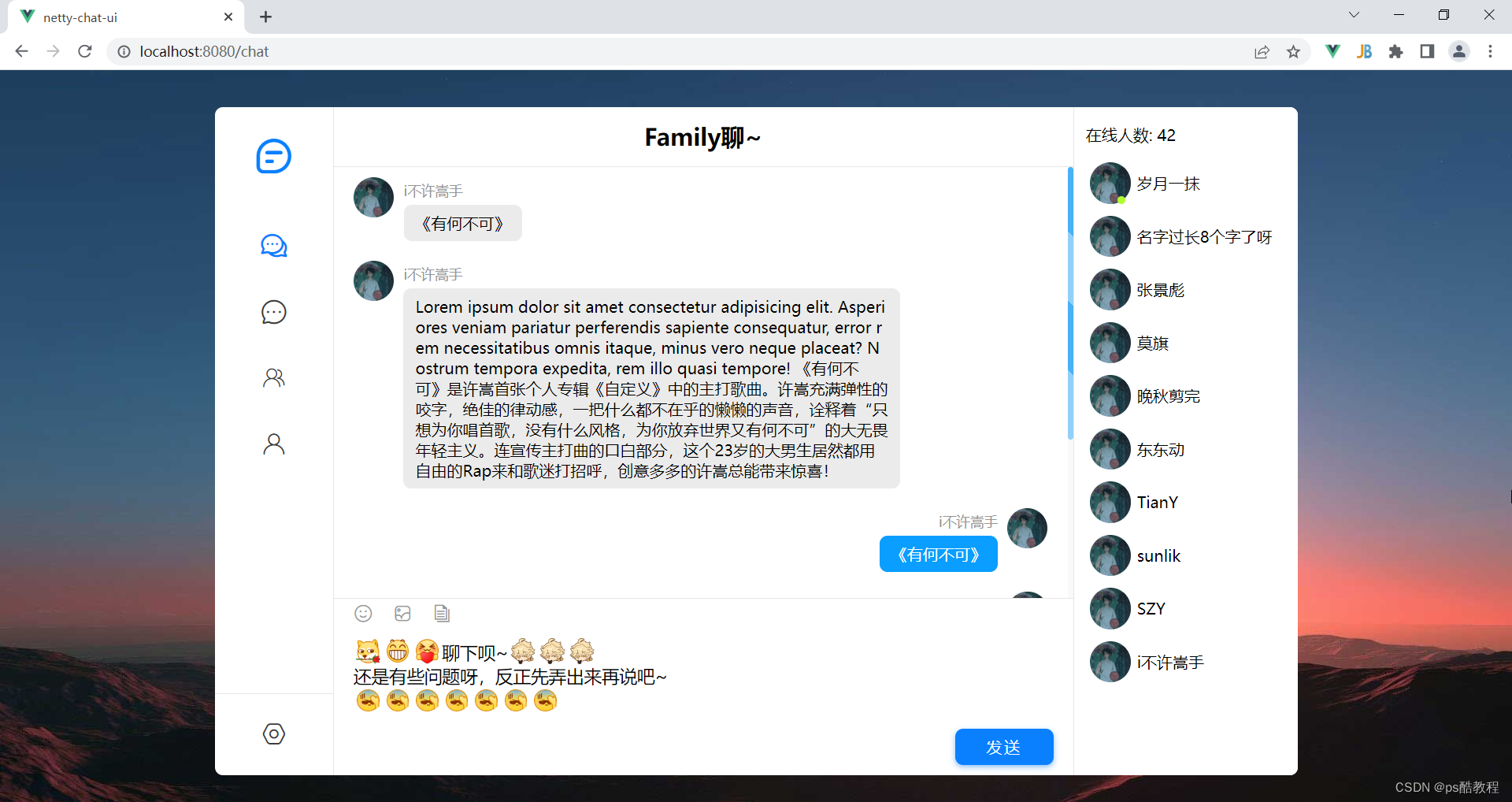
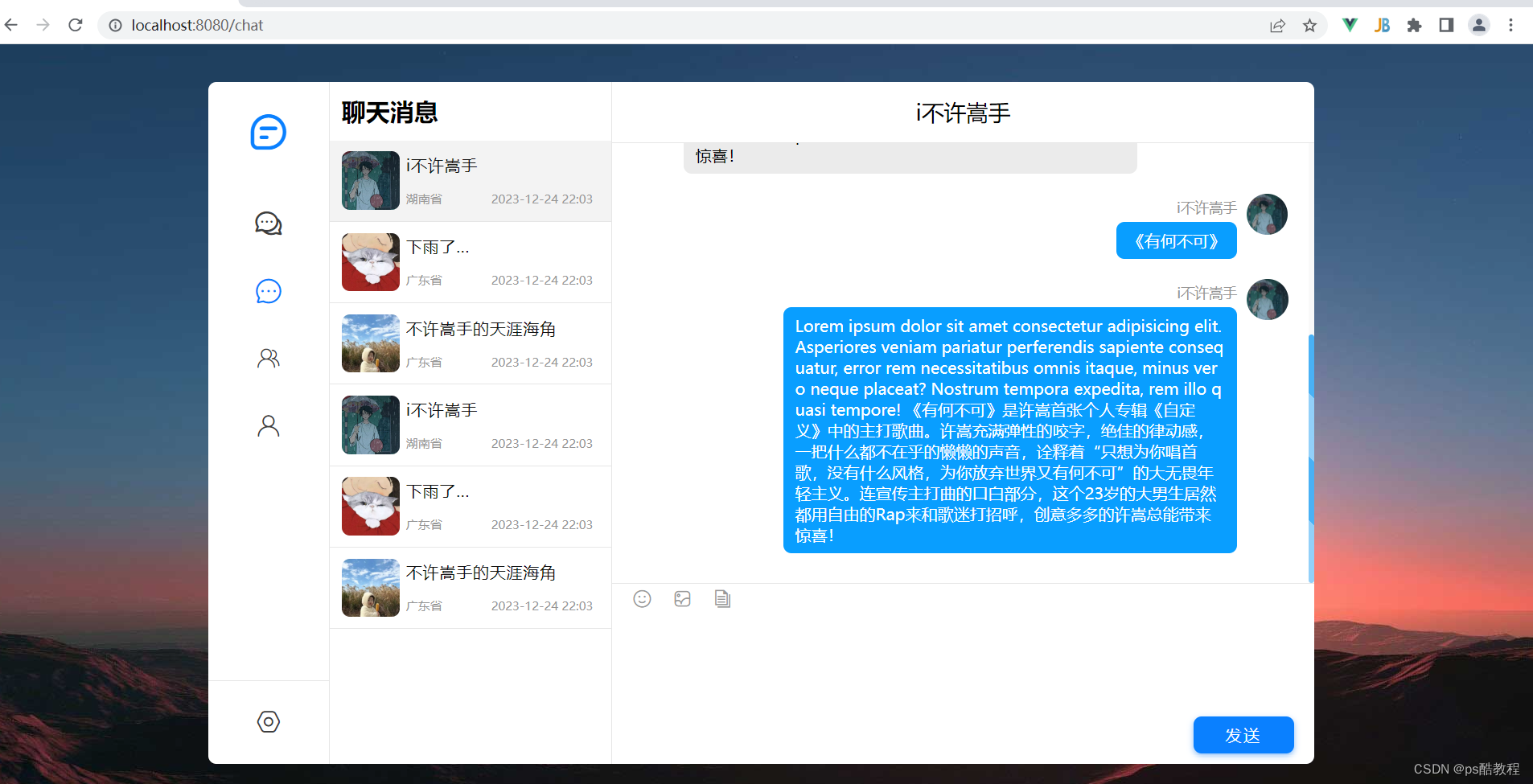
消息窗口平滑滚动至底部
<div class="panel-main-body" ref="panelMainBodyContainerRef"><!-- 对应会话 的消息列表 --><div class="msg-item-list" ref="msgItemListContainerRef"><div :class="['msg-item', familyChatMsg.senderId != currUserId ? 'other' : 'owner']"v-for="(familyChatMsg, idx) in familyChatMsgList" :key="idx"><div class="avatar-wrapper "><img :src="familyChatMsg.avatar" class="avatar fit-img" alt=""></div><div class="msg"><div class="msg-header">{{ familyChatMsg.nickName }}</div><div class="msg-content" v-html="familyChatMsg.content"></div></div></div></div></div><script>
export default {methods: {/* 滚动至底部,不过调用此方法的时机应当在familyChatMsgList更新之后, 因此需要监听它 */scrollToEnd() {const panelMainBodyContainerRef = this.$refs['panelMainBodyContainerRef']const msgItemListContainerRef = this.$refs['msgItemListContainerRef']// console.log(msgItemListContainerRef.scrollTop);// console.log(panelMainBodyContainerRef.scrollHeight);msgItemListContainerRef.scrollTop = msgItemListContainerRef.scrollHeightconsole.log('滚动至底部~');},}}
</script><style>
.msg-item-list {/* 平滑滚动 */scroll-behavior: smooth;
}
</style>
vue使用watch监听vuex中的变量变化
computed: {...mapGetters('familyChatStore', ['familyChatMsgList']),
},watch: {// 监听store中的数据 - 是通过监听getters完成的familyChatMsgList:{handler(newVal, oldVal) {// console.log('---------------------');// console.log(newVal.length, oldVal.length);this.$nextTick(()=>{this.scrollToEnd()})}}},