Unity 欧盟UMP用户隐私协议Android接入指南

Unity 欧盟UMP用户协议Android接入指南
- 官方文档链接
- 开始接入
- mainTemplate.gradle 中引入
- CustomUnityPlayerActivity 导入UMP相关的包
- java类中新增字段
- 初始化UMPSDK方法
- 调用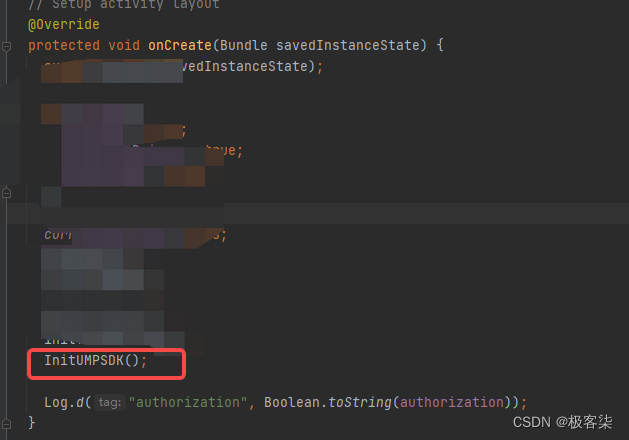
- 测试
- 获取测试设备ID
- 需要和发行沟通一下 开启UMP测试
- 真机端测试配置环境
- 接通成功应展示的界面
官方文档链接
Google 欧盟地区用户意见征求政策 UMPSDK接入文档
开始接入
mainTemplate.gradle 中引入
项目路径下 Assets/Plugins/Android/mainTemplate.gradle
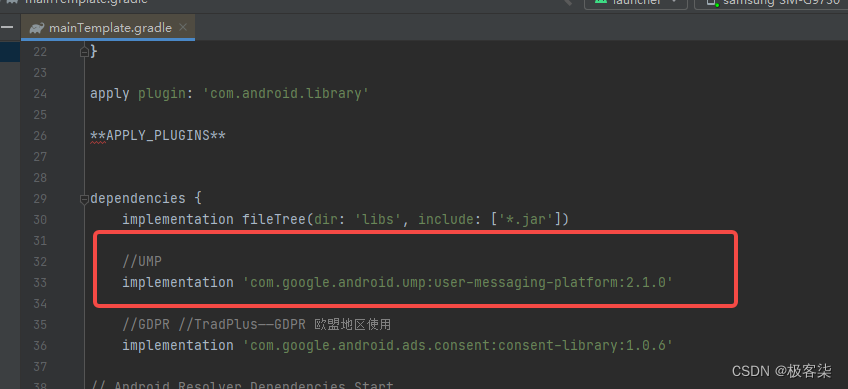
implementation 'com.google.android.ump:user-messaging-platform:2.1.0'
CustomUnityPlayerActivity 导入UMP相关的包
import com.google.android.ump.ConsentInformation;
import com.google.android.ump.ConsentRequestParameters;
import com.google.android.ump.FormError;
import com.google.android.ump.UserMessagingPlatform;
import com.google.android.ump.ConsentForm;
import com.google.android.ump.ConsentDebugSettings;
java类中新增字段
private ConsentInformation consentInformation;boolean isUseEEA = false;boolean isUseTestDeivce = false;boolean isResetUMP = false;
初始化UMPSDK方法
在下面代码注释 “加载广告”的地方处理你的开屏广告
private void InitUMPSDK(){if(isUseTestDeivce && isUseEEA){ ConsentDebugSettings debugSettings = new ConsentDebugSettings.Builder(this).setDebugGeography(ConsentDebugSettings.DebugGeography.DEBUG_GEOGRAPHY_EEA).addTestDeviceHashedId("TEST-DEVICE-HASHED-ID").build();}// Set tag for under age of consent. false means users are not under age// of consent.ConsentRequestParameters params = new ConsentRequestParameters.Builder().setTagForUnderAgeOfConsent(false).build();consentInformation = UserMessagingPlatform.getConsentInformation(this);consentInformation.requestConsentInfoUpdate(this,params,(ConsentInformation.OnConsentInfoUpdateSuccessListener) () -> {UserMessagingPlatform.loadAndShowConsentFormIfRequired(this,(ConsentForm.OnConsentFormDismissedListener) loadAndShowError -> {if (loadAndShowError != null) {// Consent gathering failed.Log.w(TAG, String.format("%s: %s",loadAndShowError.getErrorCode(),loadAndShowError.getMessage()));}// Consent has been gathered.if (consentInformation.canRequestAds()) {// 在此处加载广告/// tpSplash.showAd();}});},(ConsentInformation.OnConsentInfoUpdateFailureListener) requestConsentError -> {// Consent gathering failed.Log.w(TAG, String.format("%s: %s",requestConsentError.getErrorCode(),requestConsentError.getMessage()));});// Check if you can initialize the Google Mobile Ads SDK in parallel// while checking for new consent information. Consent obtained in// the previous session can be used to request ads.if (consentInformation.canRequestAds()) {// 在此处加载广告/// tpSplash.showAd();}if(isResetUMP){consentInformation.reset();}//记录有没有授权SharedPreferences.Editor editor = sharedPreferences.edit();editor.putBoolean("authorization", true); //editor.apply();}
调用
测试
TEST-DEVICE-HASHED-ID 为你的设备测试ID
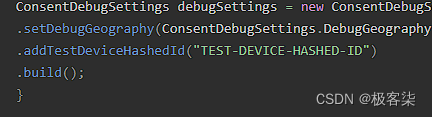
获取测试设备ID
当isUseEEA,isUseTestDeivce,isResetUMP都为true时运行后搜setTestDeviceIds
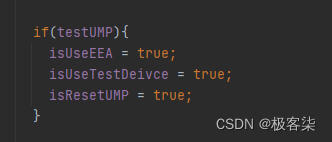

需要和发行沟通一下 开启UMP测试
真机端测试配置环境
开启VPN -选德国节点
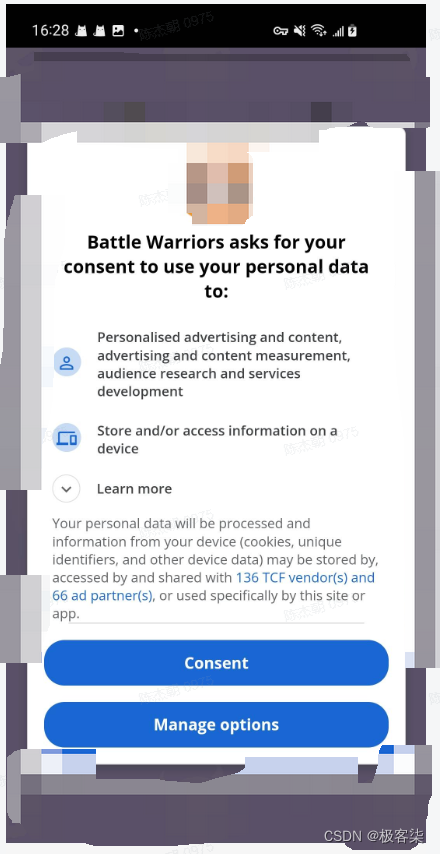
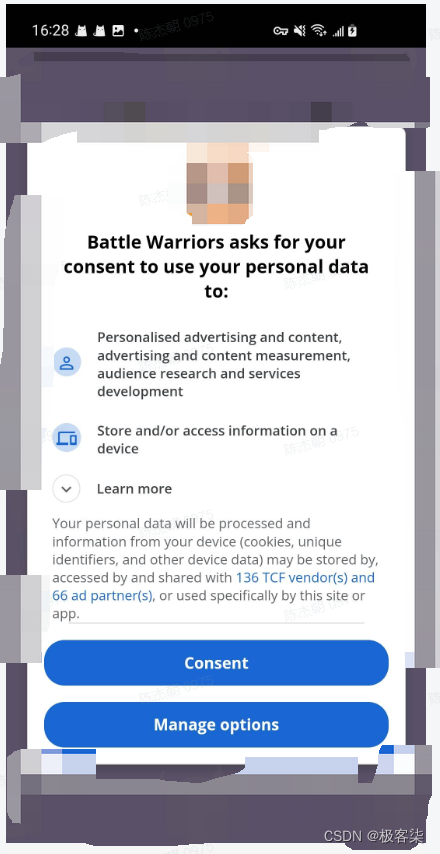
接通成功应展示的界面