thingsboard前端缓存--nginx

thingsboard+nginx
thingsboard部署到阿里云服务器之后,由于登录界面要发送的文件很大,并且服务器的带宽目前有限,因此配置一个nginx,进行前端页面的一些缓存,参考了https://qianchenzhumeng.github.io/posts/Nginx%E5%8F%8D%E5%90%91%E4%BB%A3%E7%90%86thingsboard%E5%B9%B6%E7%BC%93%E5%AD%98%E9%9D%99%E6%80%81%E6%96%87%E4%BB%B6/
这篇文章,特此表明。
也观看了狂神说study NGINX B站视频进行学习
目前实现服务器域名直接访问,不用从8080端口访问,但是目前首次(浏览器无缓存)访问需要一分钟左右,后续登录几秒完成。
1.访问nginx官网进行下载
https://nginx.org/
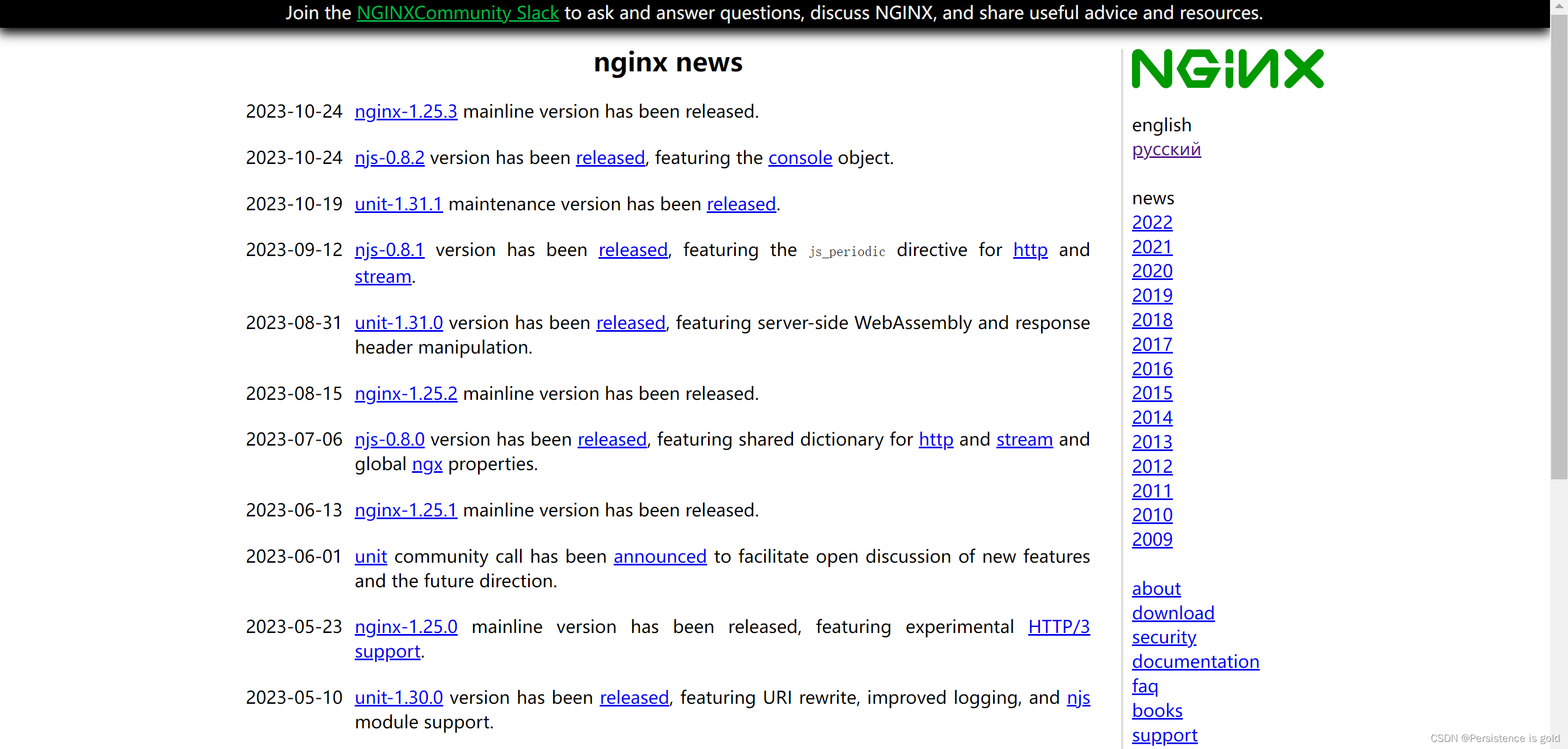
点击右侧download查看所有历史版本,下载自己想要的版本。
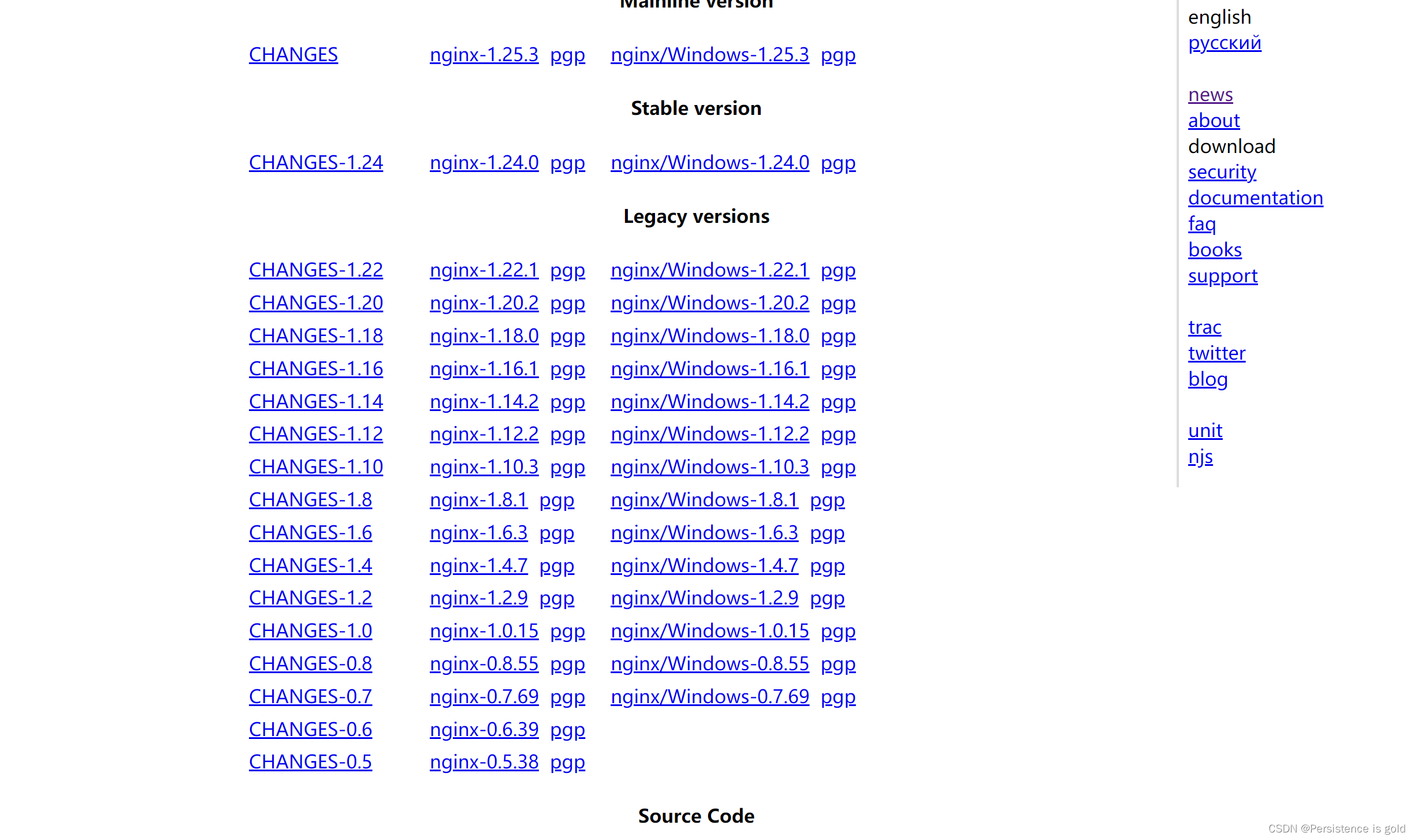
移入linux服务器root目录下,
1、解压
tar -zxvf XXX(nginx压缩包)
2、cd进入解压后的压缩包,运行./configure,执行自动配置
3、执行make
4、执行make install
cd /usr/local/nginx/sbin/
./nginx 启动
./nginx -s stop 停止
./nginx -s quit 安全退出
./nginx -s reload 重新加载配置文件
ps aux|grep nginx 查看nginx进程
访问80端口若成功,则没问题,阿里云服务器80端口一般已经默认开放了,不过如果启动后还是访问失败可以检查,https是443端口
服务器防火墙检查命令:
开启
service firewalld start
重启
service firewalld restart
关闭
service firewalld stop
查看防火墙规则
firewall-cmd --list-all
查询端口是否开放
firewall-cmd --query-port=8080/tcp
开放80端口
firewall-cmd --permanent --add-port=80/tcp
移除端口
firewall-cmd --permanent --remove-port=8080/tcp
#重启防火墙(修改配置后要重启防火墙)
firewall-cmd --reload
参数解释
1、firwall-cmd:是Linux提供的操作firewall的一个工具;
2、–permanent:表示设置为持久;
3、–add-port:标识添加的端口;
在/usr/local/nginx下找到conf配置文件夹下的nginx.conf配置文件
nginx.conf内容
#user  nobody;
worker_processes  1;#error_log  logs/error.log;
#error_log  logs/error.log  notice;
#error_log  logs/error.log  info;#pid        logs/nginx.pid;events {worker_connections  1024;
}http {include       mime.types;default_type  application/octet-stream;#log_format  main  '$remote_addr - $remote_user [$time_local] "$request" '#                  '$status $body_bytes_sent "$http_referer" '#                  '"$http_user_agent" "$http_x_forwarded_for"';#access_log  logs/access.log  main;sendfile        on;#tcp_nopush     on;#keepalive_timeout  0;keepalive_timeout  65;#gzip  on;proxy_cache_path /cache/nginx/ levels=1:2 keys_zone=STATIC:50m max_size=2G inactive=365d;server {listen 80;listen [::]:80;server_name  localhost;#charset koi8-r;#access_log  logs/host.access.log  main;location ~*  \.(jpg|jpeg|png|gif|ico|css|js|woff2)$ {proxy_cache STATIC;proxy_pass http://localhost:8080;proxy_set_header Host $host;proxy_cache_valid 200 1d;proxy_cache_use_stale  error timeout invalid_header updatinghttp_500 http_502 http_503 http_504;proxy_ignore_headers X-Accel-Expires Expires Cache-Control Set-Cookie;proxy_hide_header Pragma;expires 365d;}location / {proxy_pass http://localhost:8080/;proxy_http_version 1.1;proxy_set_header Upgrade $http_upgrade;proxy_set_header Connection "upgrade";proxy_set_header Host $host;}#error_page  404              /404.html;# redirect server error pages to the static page /50x.html#error_page   500 502 503 504  /50x.html;location = /50x.html {root   html;}# proxy the PHP scripts to Apache listening on 127.0.0.1:80##location ~ \.php$ {#    proxy_pass   http://127.0.0.1;#}# pass the PHP scripts to FastCGI server listening on 127.0.0.1:9000##location ~ \.php$ {#    root           html;#    fastcgi_pass   127.0.0.1:9000;#    fastcgi_index  index.php;#    fastcgi_param  SCRIPT_FILENAME  /scripts$fastcgi_script_name;#    include        fastcgi_params;#}# deny access to .htaccess files, if Apache's document root# concurs with nginx's one##location ~ /\.ht {#    deny  all;#}}# another virtual host using mix of IP-, name-, and port-based configuration##server {#    listen       8000;#    listen       somename:8080;#    server_name  somename  alias  another.alias;#    location / {#        root   html;#        index  index.html index.htm;#    }#}# HTTPS server##server {#    listen       443 ssl;#    server_name  localhost;#    ssl_certificate      cert.pem;#    ssl_certificate_key  cert.key;#    ssl_session_cache    shared:SSL:1m;#    ssl_session_timeout  5m;#    ssl_ciphers  HIGH:!aNULL:!MD5;#    ssl_prefer_server_ciphers  on;#    location / {#        root   html;#        index  index.html index.htm;#    }#}}
执行
sudo /usr/local/nginx/sbin/nginx -s reload
重载配置文件,nginx支持热部署,一般不用重启