Matplotlib找不到Times New Roman的解决方案

问题背景
在使用seaborn或者matplotlib进行论文画图的时候,一般都会用Times New Roman这个字体,但是在Linux系统里,经常会遇到以下的问题:
findfont: Font family ['Times New Roman'] not found. Falling back to DejaVu Sans.也就是说找不到Times New Roman字体,在我查阅资料后终于尝试到了一个可行的解决方案
解决方案
- 首先需要在Windows系统里找到
Times New Roman这个字体,然后将其上传到服务器里的/usr/share/fonts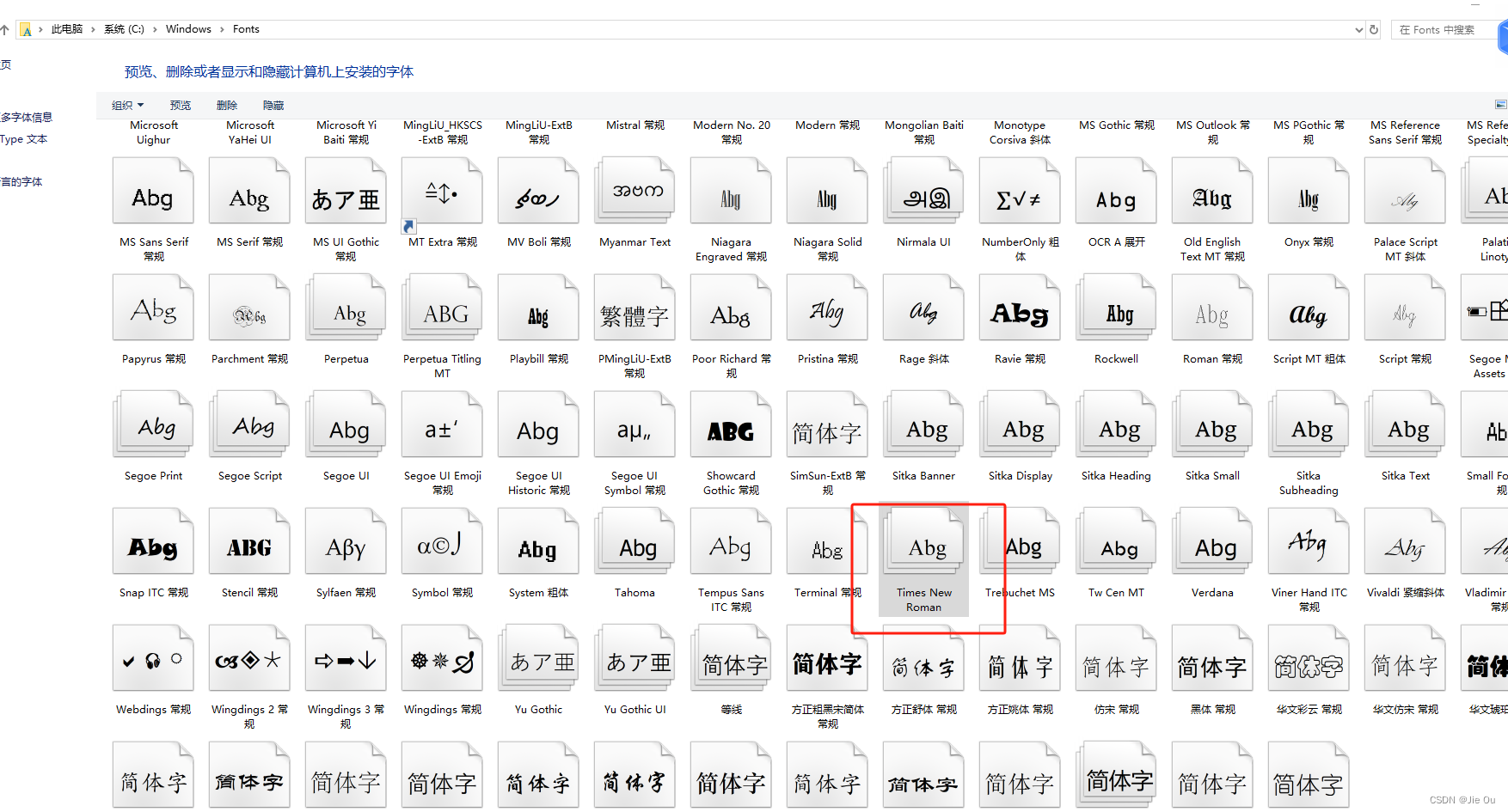
- 将这个字体复制粘贴到桌面(或者其他文件夹都OK),你会得到以下四个文件
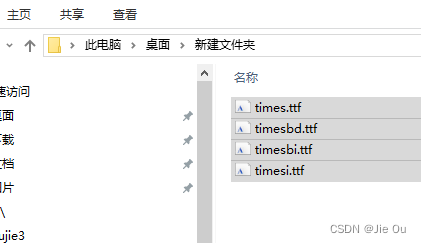
-
将这四个文件上传到服务器的
/usr/share/fonts文件夹下(如果不存在就新建一个) - 执行命令
fc-cache(我的服务器没有这个命令,好像不影响下面的名执行) - 删除matplotlib的缓存
rm ~/.cache/matplotlib/ -rf
Reference
Matplotlib找不到Times New Roman的解决方案 - 知乎
- 解决matplotlib问题: 没有'Times New Roman'字体
- findfont: Font family [‘Times New Roman‘] not found. Falling back to DejaVu Sans.字体安装
- Ubuntu Linux,及Python matplot,安装Times New Roman字体,让图标签可以用Times New Roman字体