【GitHub】ssh: connect to host github.com port 22: Connection refused

本地使用git上传GitHub仓库时发现的一个报错,以为是本机连不上github了,ping过后发现能够正常访问,于是上网找到了一个很完美的解决方案
原因:22端口被占用或被防火墙屏蔽
解决方法:切换GitHub的443端口
1.首先找到你配置git的ssh私钥位置,打开config文件,没有就新建一个
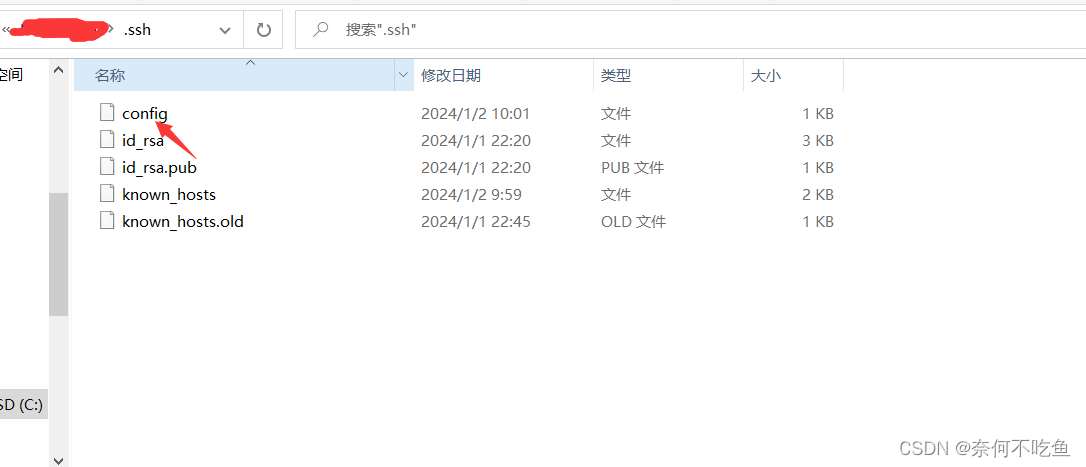
2.编译如下内容增添其中
# Add section below to it
Host github.comHostname ssh.github.comPort 443
3.保存后使用ssh -T git@github.com测试与Github的链接是否正常

如果提示Hi xxxxx! You've successfully authenticated, but GitHub does not provide shell access. 就表示一切正常了。