html+css+javascript实现渐隐轮播

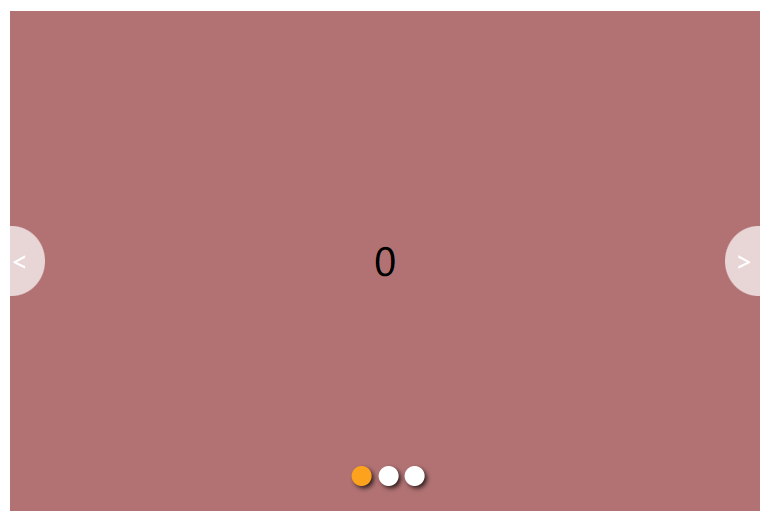
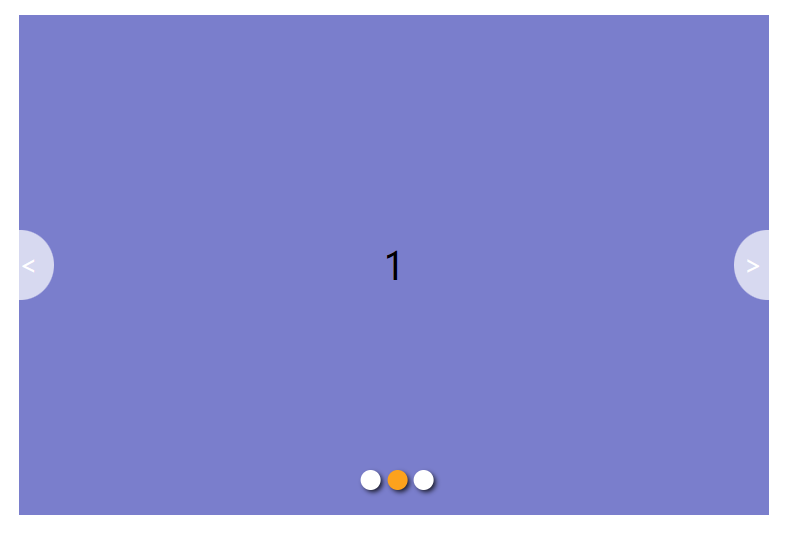
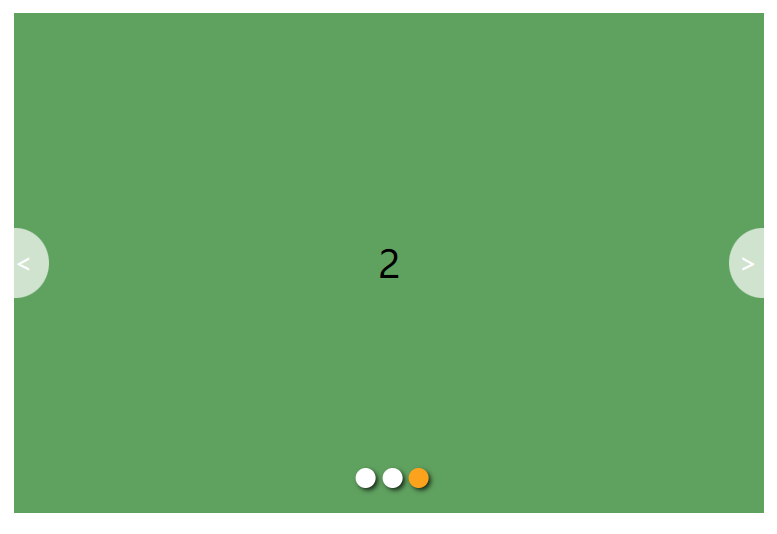
实现效果:
图片自动轮播,点击左右按钮会操作图片向前或向后,图片与小圆点相互呼应,具有交互效果。
编写思想:
实现交互时使用了排他思想,同选项卡的功能;
自动轮播采用了setInterval();
具体步骤参详代码:
代码:
css:
<style>* {padding: 0;margin: 0;list-style: none;box-sizing: border-box;}#focus {width: 600px;height: 400px;background-color: orange;margin: 100px auto;position: relative;overflow: hidden;}#focus .pics {width: 100%;height: 100%;}#focus .pics li {width: 600px;height: 100%;text-align: center;font-size: 30px;line-height: 400px;opacity: 0;position: absolute;top:0;left:0;transition: all 0.3 ease;}#focus .pics li.on{opacity: 1;}#focus .circle {position: absolute;bottom: 20px;left: 50%;transform: translateX(-50%);}#focus .circle li {width: 16px;height: 16px;border-radius: 50%;float: left;margin-left: 5px;background-color: #fff;text-align: center;line-height: 16px;box-shadow: 2px 2px 4px rgba(0, 0, 0, 0.8);}#focus .circle li.active {background-color: orange;}#focus .prev, .next {position: absolute;top: 50%;transform: translateY(-50%);display: block;width: 28px;height: 56px;background-color: rgba(255, 255, 255, 0.7);border-radius: 0 56px 56px 0;line-height:56px;font-size:20px;color:#fff;}#focus .next {right: 0;border-radius: 56px 0 0 56px;padding-left:8px;}</style>
html:
<div id="focus"><ul class="pics"><li style="background-color: rgb(179, 115, 115);" class="on">0</li><li style="background-color: rgb(122, 122, 206);">1</li><li style="background-color: rgb(92, 162, 92);">2</li></ul><ol class="circle"></ol><span class="prev"><</span><span class="next">></span></div>js:
<script>//1.查节点var focus = document.querySelector('#focus');var pics = document.querySelector('.pics');var lis = document.querySelectorAll('.pics li');var circle = document.querySelector('.circle');var prev = document.querySelector('.prev');var next = document.querySelector('.next');//获取li宽度var liW = lis[0].offsetWidth;var time = null;//动态生成小圆点for (var i = 0; i < lis.length; i++) {var li = document.createElement('li');li.setAttribute('idx', i);circle.appendChild(li);//排他思想 选项卡li.onclick = function () {var active = document.querySelector('.circle li.active');active.classList.remove('active');this.classList.add('active');var idx = this.getAttribute('idx');//解决index与idx与cir之间的关系index = idx;cir = idx;document.querySelector('.pics li.on').classList.remove('on');lis[idx].classList.add('on');}}circle.children[0].classList.add('active');//2.添加功能//鼠标经过focus.onmouseenter = function () {prev.style.display = "block";next.style.display = "block";//鼠标经过时停止自动轮播clearInterval(time);}//鼠标离开focus.onmouseleave = function () {prev.style.display = "none";next.style.display = "none";//自动轮播time = setInterval(function () {next.onclick();}, 2500)}var index = 0;var cir = 0;//单击next箭头next.onclick = function () {if (index == lis.length - 1) {//return;//图片到最后一张不再继续往下index = -1; }index++;document.querySelector('.pics li.on').classList.remove('on');lis[index].classList.add('on');//右按钮控制小圆点cir++;if (cir == circle.children.length) {cir = 0;}run(cir);}//单击prev箭头prev.onclick = function () {if (index == 0) {//return;//图片到最后一张不再继续往下index = lis.length;}index--;document.querySelector('.pics li.on').classList.remove('on');lis[index].classList.add('on');//左按钮控制小圆点cir--;if (cir == -1) {cir = circle.children.length - 1;}run(cir);}//自动轮播time = setInterval(function () {next.onclick();}, 2500)// 左右箭头控制小圆点function run(cir) {// cir当前小圆点的索引号var active = document.querySelector('.circle li.active');active.classList.remove('active');// circle.children[cir]对应索引号的孩子circle.children[cir].classList.add('active');}</script>运行结果: